How to Save Money on Apple Products: 4 Better Ways to Save
Some of the links in this post are affiliate links, which means I may earn a small commission if you choose to make a purchase at no extra cost to you. As an Amazon Associate, I earn from qualifying purchases. Read my full Ethics & Affiliate Relationship Disclaimer.
Apple has raised prices across almost every category, and I would not count on those prices coming back down anytime soon. The good news is that paying full retail is still optional if you are willing to do a little searching, compare configurations, and wait for the right listing. These are the four places I check when I am shopping for a MacBook, iPad, display, or other Apple gear. Depending on the model and condition, it is realistic to save 10% to 20% without going down the sketchy third party marketplace route.
Table of Contents
Apple Raised Prices. Here's What to Do
The simple strategy is to stop treating Apple’s storefront price as the only price. Start with the exact device and specifications you need, then compare it across Apple Certified Refurbished, Amazon, B&H Photo, and Best Buy open box listings.
Do not get locked into one retailer or one exact configuration too early. A slightly different SSD or RAM option can sometimes cost less than the standard configuration while giving you more useful specs. That is especially true with Macs. If you are still figuring out the right machine, use my Mac buying help guide to narrow down the model before you start deal hunting.
#1: Apple Certified Refurbished Store
The first place I check is Apple’s own Certified Refurbished Store. It is not as widely known as it should be, but it is one of the safest ways to get an Apple product for less. From Apple’s main site, open the Store menu and choose Certified Refurbished. Apple takes returned devices, cleans and prepares them, packages them in a plain white box, and sells them at a discount that is typically around 15% below the new price. The important part is that these devices include a full one year Apple warranty. You are buying directly from Apple, not taking a chance on a random used listing.
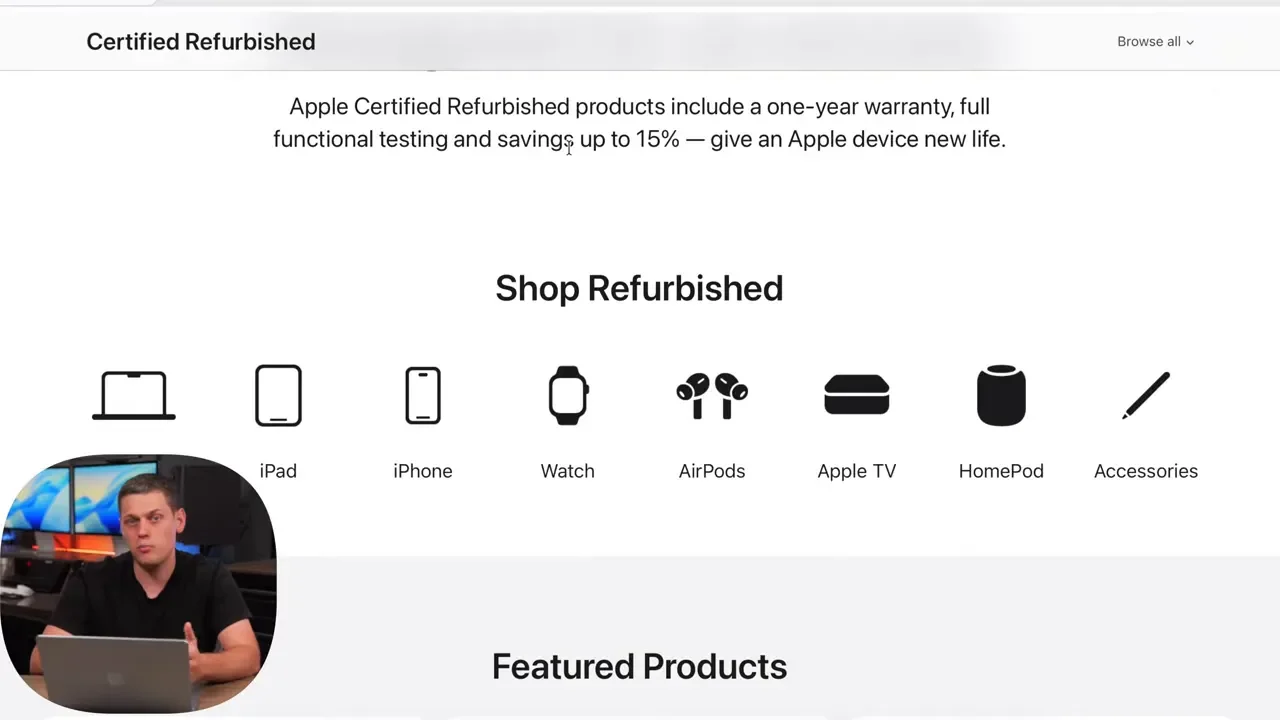
The downside is inventory. The newest model may not be available, and the configuration you want can disappear quickly. This store rewards patience. Check back regularly and use the filters to narrow results by product family, RAM, and SSD capacity instead of scrolling through every listing. If you pay with Apple Pay using Apple Card, the 3% cash back is another small way to lower the effective cost. One thing to keep in mind: Apple’s 12 month same as cash Apple Card financing is not available on refurbished purchases.
Real Deals in the Refurb Store Right Now
Prices and availability move constantly, but the refurb store can produce genuinely strong deals. At the time of checking, a new Studio Display was listed at $240 off while retaining the full one year warranty. There were also savings on the 256GB MacBook Neo. The refurbished price was $600, compared with a new price that had moved up to $700. That is the kind of price gap worth checking before buying new.
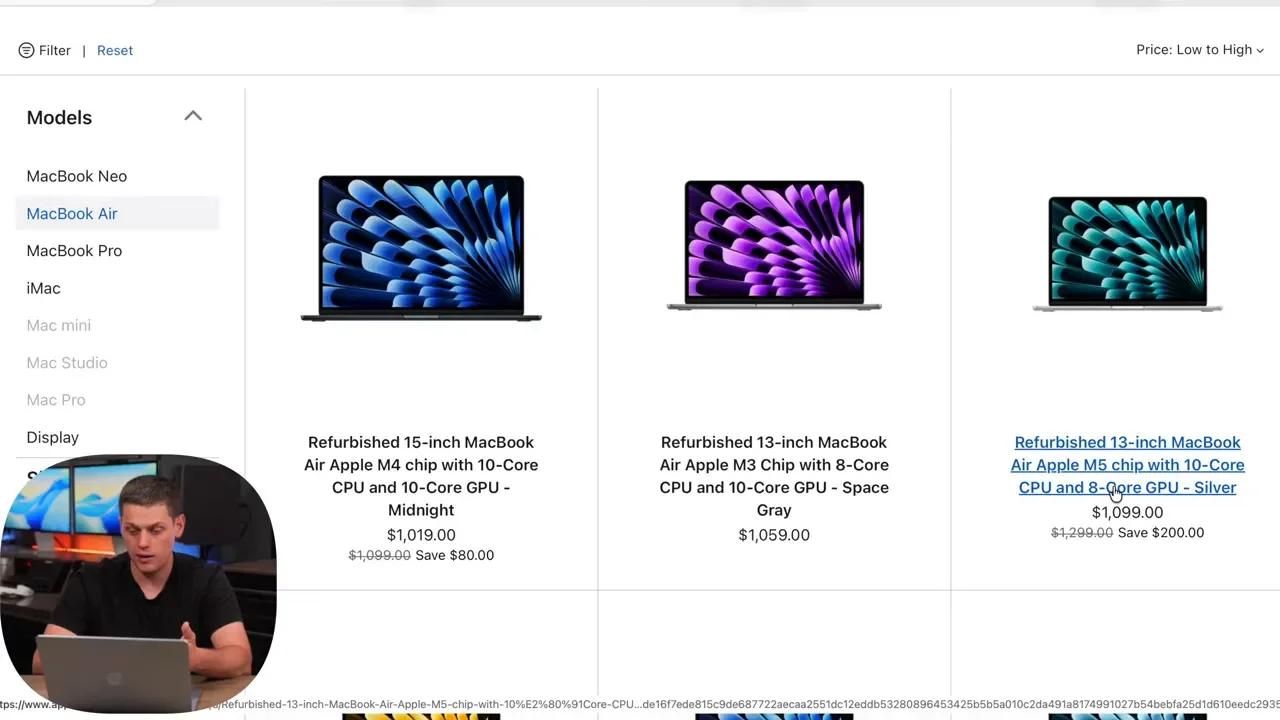
The MacBook Air is another category where refurbished pricing can make a higher tier model feel more like the old base-model price. For a quick comparison point, here are direct links to the M5 MacBook Air, 256GB MacBook Neo, and 512GB MacBook Neo.
#2: Buying on Amazon
Yes, Amazon can be a safe place to buy a MacBook or another Apple device, but you need to verify the listing details before hitting Buy Now. The first thing I check is who is actually selling and shipping the product.
The best setup is a listing that says:
Ships from Amazon
Sold by Amazon
Customer service by Amazon
When all three line up, Amazon is responsible for the transaction from start to finish. That is very different from taking a chance on an unknown third party seller with a similar looking listing.
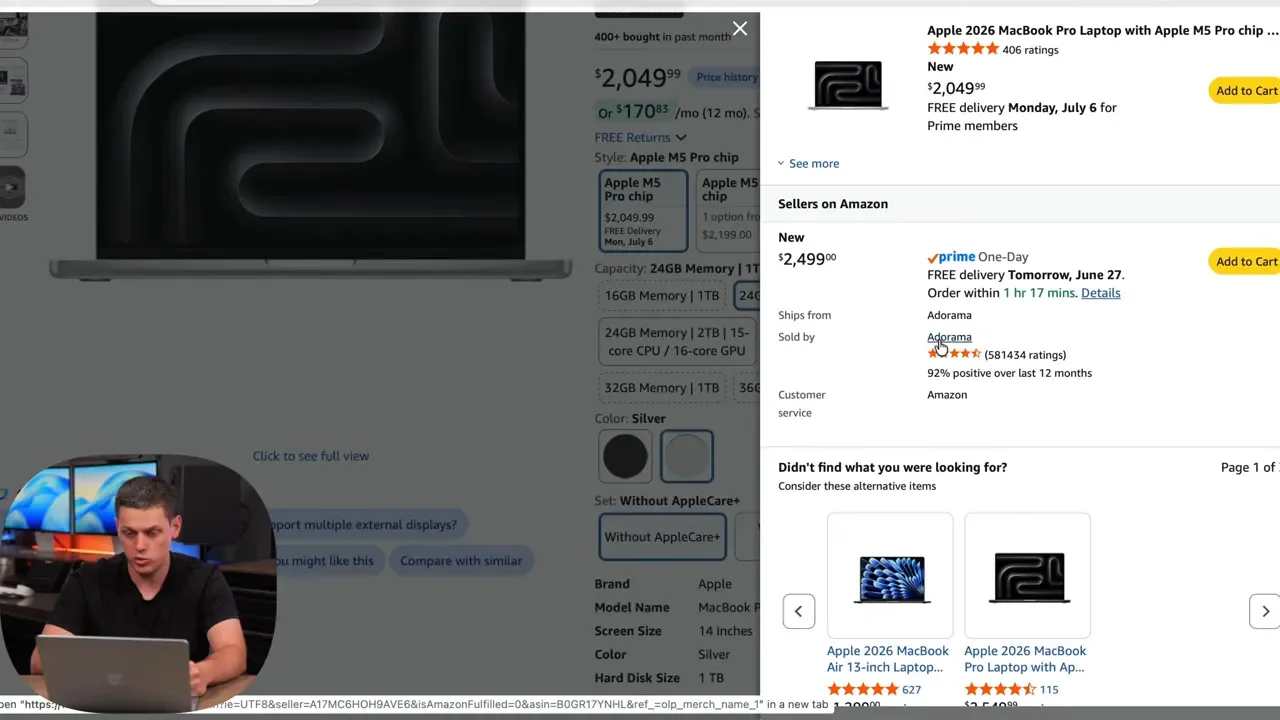
Amazon pricing can be excellent, even on current MacBook Pro models, but inventory can go out of stock and shipping times can stretch out. A discounted model is not always a fast-shipping model, so check the delivery estimate. If timing matters, look specifically for Prime shipping. For straightforward new-product comparisons, these links cover the M5 MacBook Pro, M5 Pro MacBook Pro, and M5 Max MacBook Pro.
Amazon Resale Section Tips
Amazon Resale is another place I have used for cameras and tech, and it can regularly save around 15% to 20%. This is Amazon’s official resale operation for pre-owned, used, and open box products.
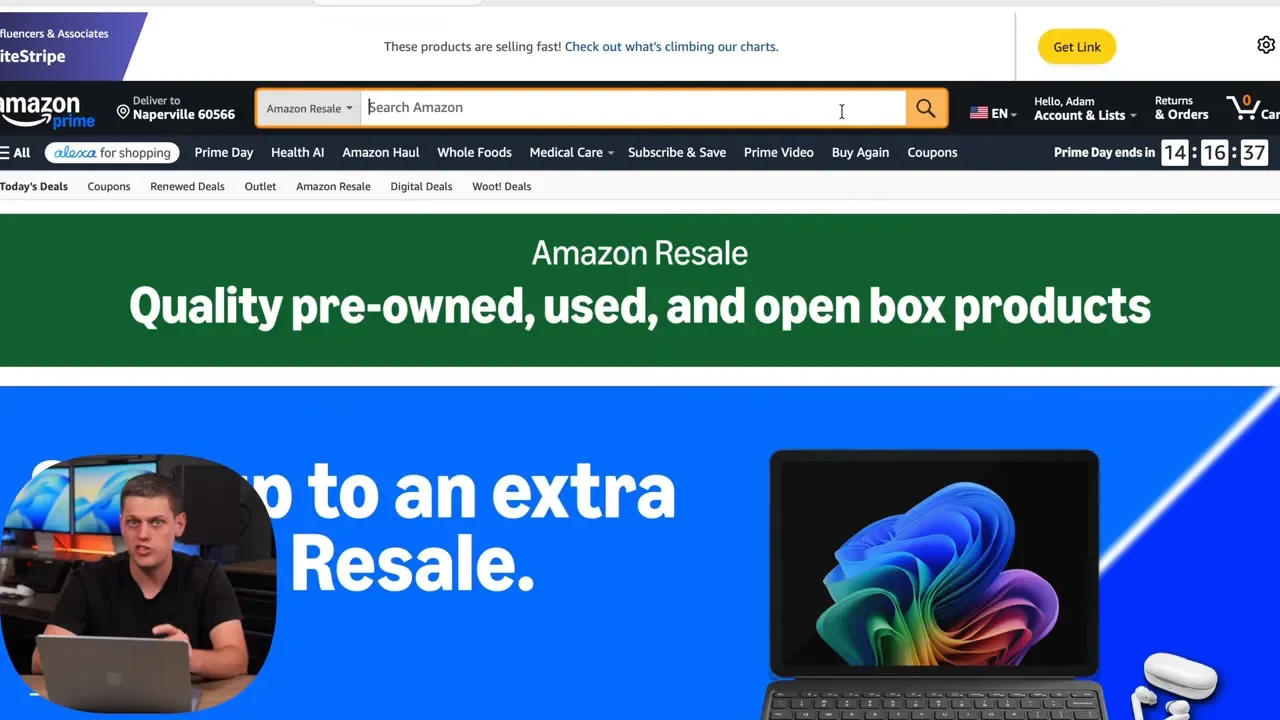
The tradeoff is condition uncertainty. Amazon uses labels such as Like New, Very Good, and Used Acceptable. I have had items labeled Used Acceptable arrive in essentially brand-new shape, but you should still approach every condition grade with realistic expectations.
Be prepared for two possibilities:
You may need to wait for the right deal or condition grade to appear.
You may need to return and reorder if the item does not meet your expectations.
To find these offers, search for the device, then open the More Buying Choices area. Compare each used price against the current new price and make sure you are not accidentally paying too much for an older model. Check that the seller reads Sold by Amazon Resale and Ships from Amazon. A 256GB MacBook Neo example was listed around $560 through Amazon Resale, which is a compelling number compared with the new price. Browse the current Amazon open box and resale listings to see what is available.
#3: B&H Photo
B&H Photo does not always have a major Apple sale running, but it is a retailer I check because it often has some of the best MacBook pricing when a promotion does show up. Search the computer category for the model you are considering, then compare nearby configurations. The model that is closest to what you originally wanted may be discounted more heavily than the exact base configuration.
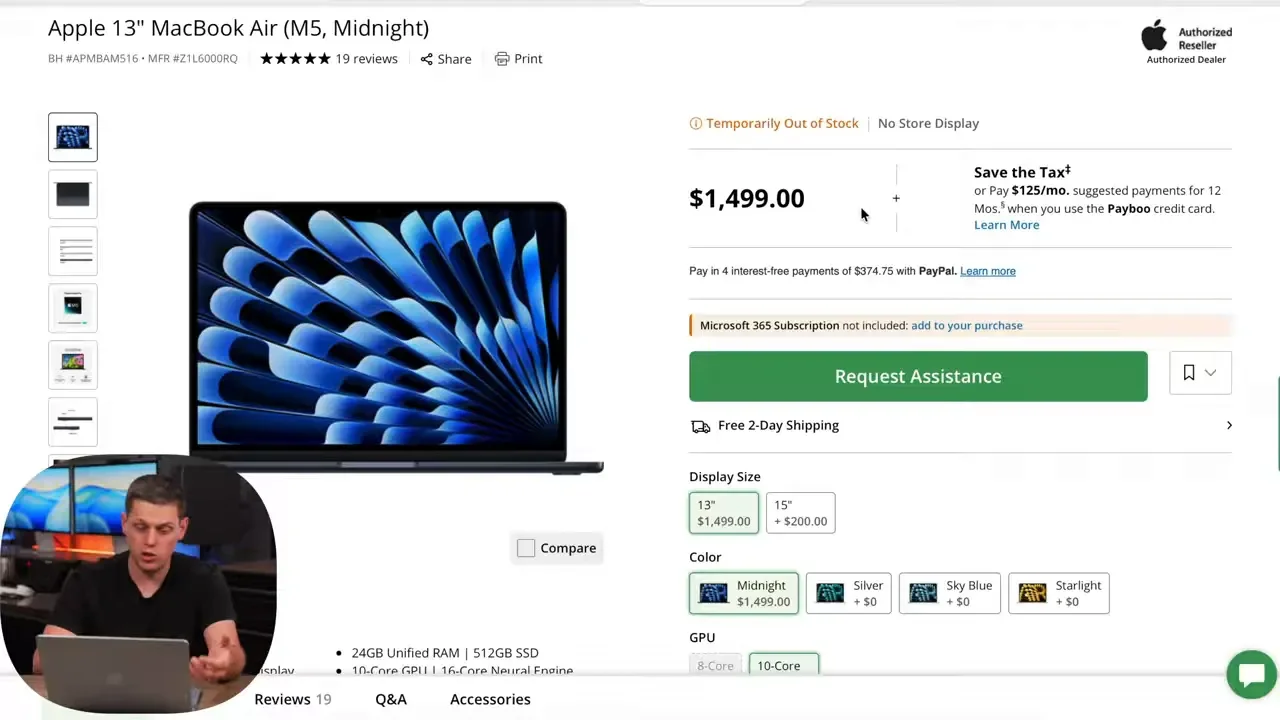
At times there may be no deal on a specific model, such as the M5 MacBook Air. That does not mean the site is not worth checking. Look beyond the standard new product page and use B&H’s Specials and Used sections as well.
B&H Used Store and Hidden Configs
B&H’s Used Store is a particularly useful option because it gives you another reputable place to find open box and used Apple hardware. Start by searching for the product type, such as MacBook Pro, then apply the brand filter to remove accessories from the results. Sorting by price is a fast way to find the best starting point.
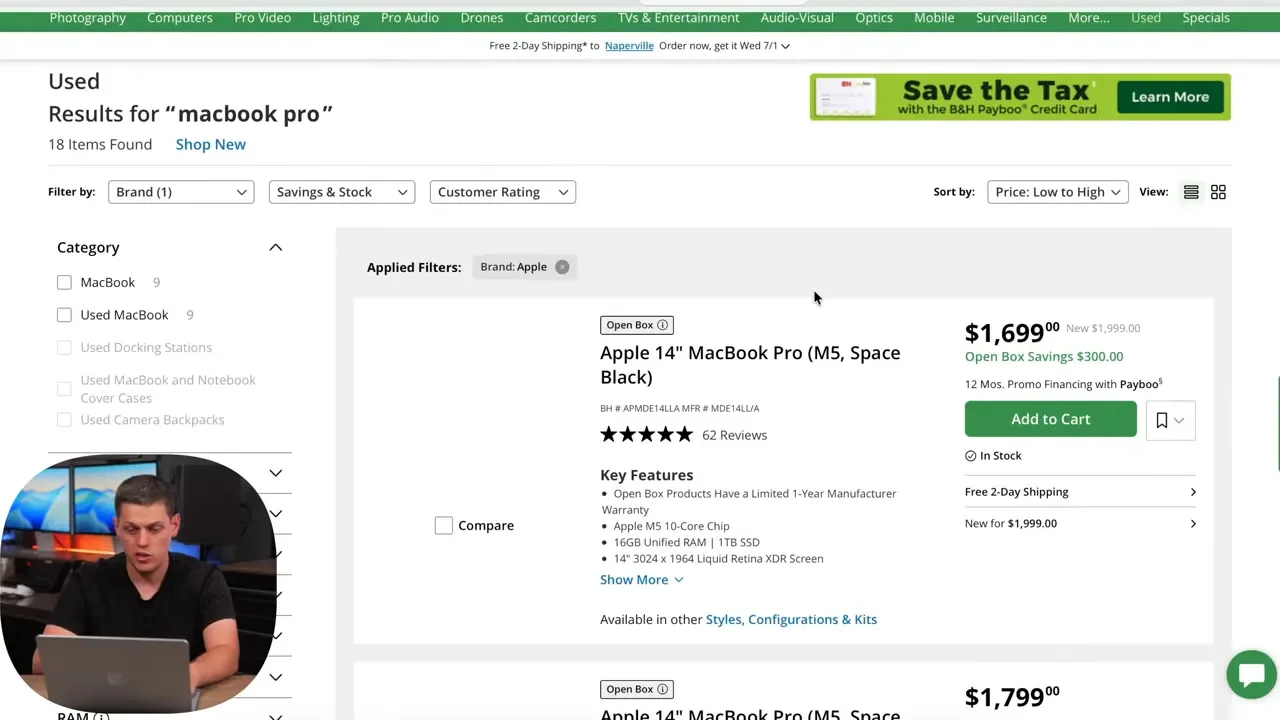
Around $1,700 for an open box M5 MacBook Pro was not a bad deal by current pricing standards. More importantly, B&H can surface configurations that are difficult to find elsewhere. One listing included 24GB of unified memory and a 512GB SSD, a combination no longer available as a standard MacBook Pro configuration. That gives you more than a price advantage. It gives you more options to match the specs you actually need. Check the current B&H Used Department before assuming the standard retailer configuration is your only choice.
#4: Best Buy Open Box
Best Buy is the fourth place I check, both for regular sales and for open box inventory. One big advantage is the physical retail footprint. If a device is not what you expected, an in-person return can be much easier than packing it up and shipping it back. I have returned devices to a Best Buy location after not being fully satisfied, and the process was straightforward. That return convenience is worth factoring into the value of an open box deal. Best Buy grades open box products by condition, including Excellent and Satisfactory. My recommendation is to stay in the middle range or above, ideally Excellent, for the best balance of savings and condition.
Finding Open Box Deals on Best Buy
The fastest method is to search for the exact MacBook, iPad, or other device you want, then open More Buying Options. You can compare open box pricing directly against the current new price without bouncing between pages.
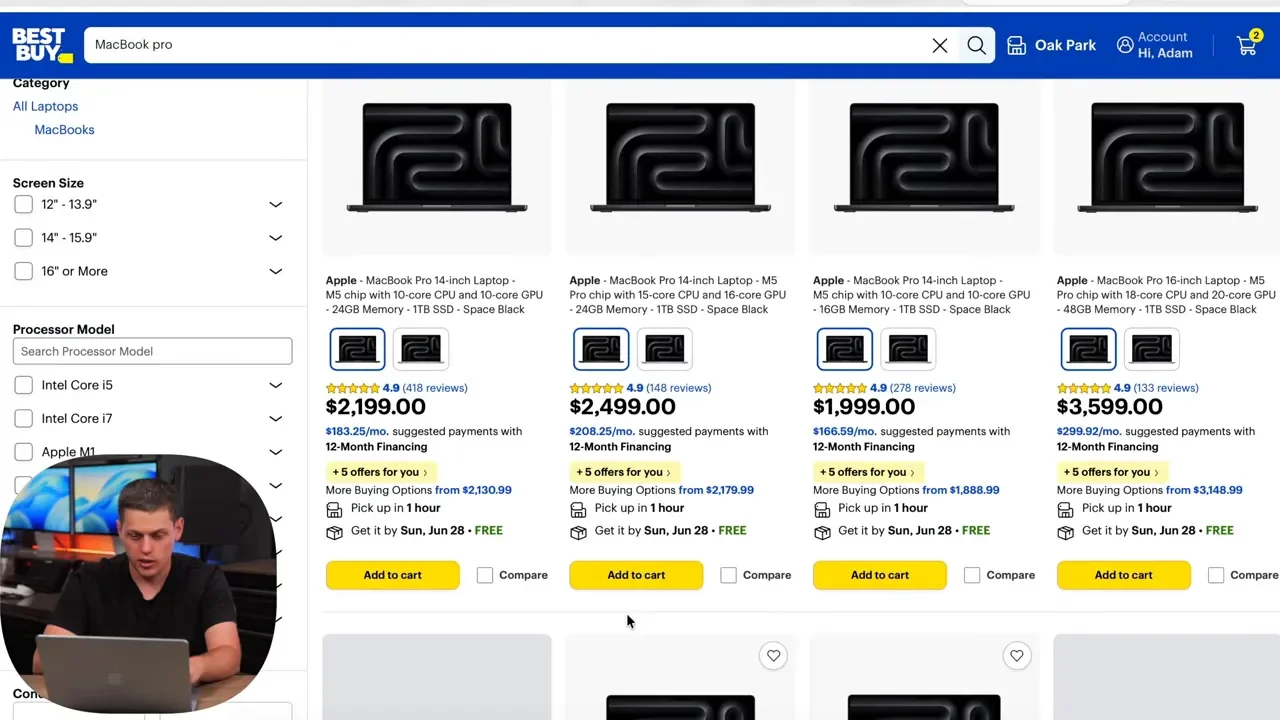
Best Buy can be especially useful for higher-spec machines. An M5 Pro MacBook Pro configuration with 24GB of RAM and a 1TB SSD was one example where open box pricing looked very competitive against current new pricing. Check Best Buy open box Apple deals and compare the exact configuration, not just the product name.
Wrap Up: 4 Ways to Save 10-20%
Apple products are expensive, but you do not need to blindly accept the full retail price. The most reliable approach is to rotate through these four options:
Apple Certified Refurbished for direct-from-Apple savings and a full one year warranty.
Amazon for new-device discounts, provided the seller and shipper are Amazon.
Amazon Resale for potentially deeper savings if you are flexible about condition.
B&H Used and Best Buy Open Box for reputable alternative inventory, discounts, and uncommon configurations.
It may take a little extra searching, and you may need to wait for a specific model to come back in stock. But saving 10%, 15%, or even 20% on a Mac, iPad, display, or other Apple hardware adds up quickly.