LG UltraFine 6K Vs. ASUS ProArt: Which 6K Display Should You Buy?
Some of the links in this post are affiliate links, which means I may earn a small commission if you choose to make a purchase at no extra cost to you. As an Amazon Associate, I earn from qualifying purchases. Read my full Ethics & Affiliate Relationship Disclaimer.
6K displays are finally getting interesting. For a long time, if you wanted a really sharp 32 inch monitor for a Mac setup, the obvious premium option was Apple. Now there are more serious alternatives, and two of the most interesting ones are the ASUS ProArt PA32QCV and the LG UltraFine 6K.
They target a similar kind of buyer. Both are 32 inch 6K displays, both are meant to pair nicely with laptops, and both are trying to deliver that extra-crisp desktop experience that makes lower resolution screens feel a little dated once you get used to it. But they are not equal in value, and after comparing them side by side, one of them makes a lot more sense for most people.
Table of Contents
The Core Specs Are Similar, But Not Identical
At a glance, these monitors live in the same category.
LG UltraFine 6K: 6144 by 3456
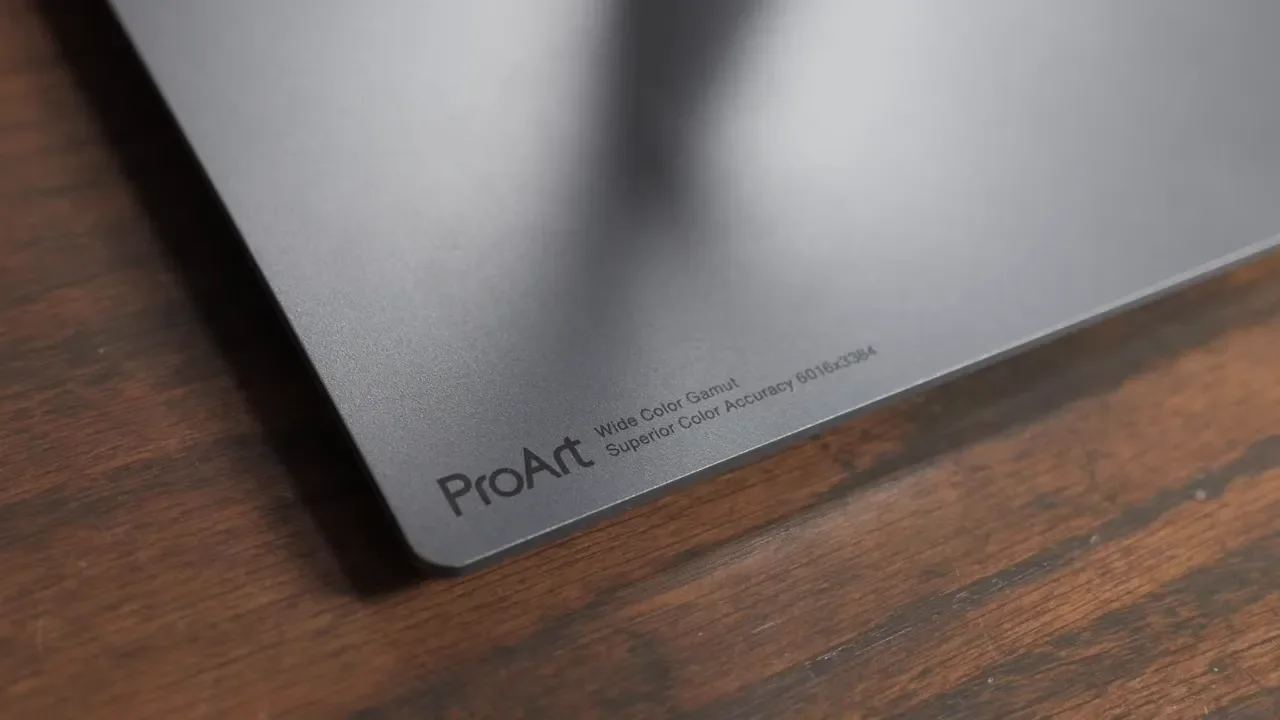
ASUS ProArt PA32QCV: 6016 by 3384
Refresh Rate: 60Hz on both
Size: 32 inches on both
So yes, both are legitimately 6K displays, even though the exact pixel counts are a little different. In everyday use, the experience is basically what you would hope for from a 32 inch 6K panel. Text looks incredibly sharp. UI elements look clean. Photos and video timelines benefit from the extra space and clarity. Even sitting fairly close to the screen, both panels look very crisp. Both also use a matte finish. I still wish more companies would offer a glossy option because matte coatings can take a little life out of contrast and overall punch. If you already know you prefer glossy glass displays, neither of these is going to completely scratch that itch.
Out-Of-The-Box Color: ASUS Has The Edge
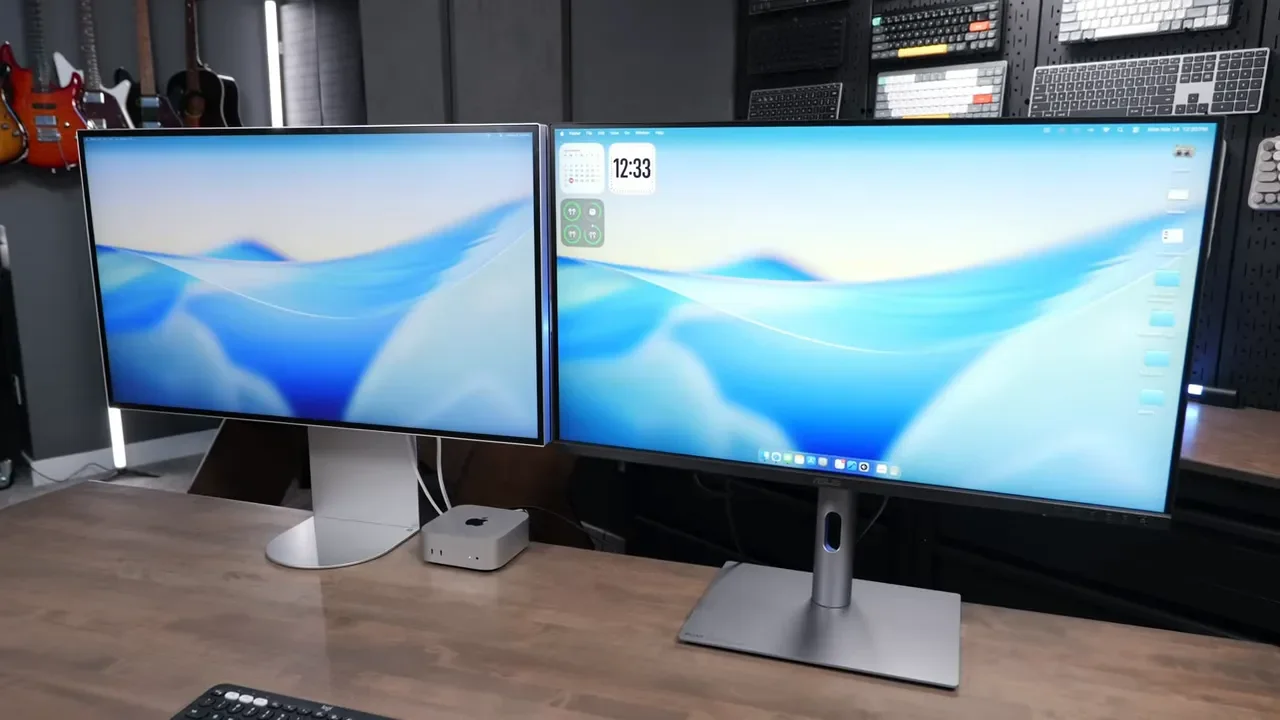
Both displays look good when you first power them on, but they are not equally dialed in. The ASUS looked better straight out of the box. Color felt more accurate without needing much adjustment. On the LG, the image leaned too green for my taste, which is something I have noticed on other LG displays before. That does not mean the LG cannot look good. It absolutely can. Both displays support multiple color profiles, and both can be calibrated more precisely if you want to go down that road with the manufacturer tools and external sensors. There are also manual adjustments available in the on-screen menus if you want to tweak red, green, and blue yourself.
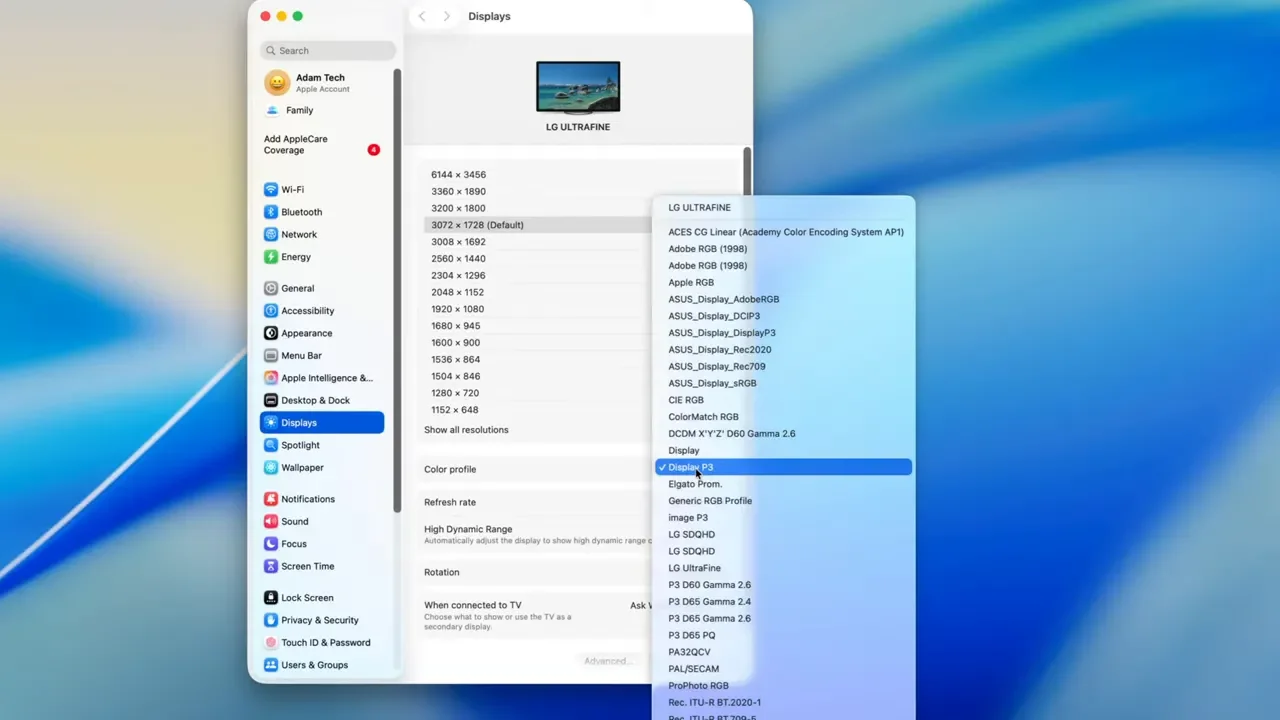
With the ASUS, I barely felt the need to touch anything. Turning off energy saver mode and bumping brightness a bit was enough to get it looking really solid. With the LG, the P3 profile was the standout. Once that was enabled, the display looked much better. But there is one catch if you are using a Mac: after changing the display profile on the monitor itself, you also need to go into macOS display settings and make sure the system color profile matches what you selected. If color accuracy matters a lot to you, ASUS earns real points here. That is one of the things the ProArt line is known for, and it showed in this comparison.
Software Control Is Better On LG
Both monitors offer computer-based control, but the experience is not equally polished. ASUS has software that is supposed to let you do things like brightness adjustment from the keyboard, but that did not work reliably here. I was able to change brightness through the ASUS app, and I could make some color adjustments there too, but it never felt especially refined.
LG’s software took a little longer to get working, but once it was set up, it was more useful. I could control:
Brightness
Speaker volume
Some color settings
That makes the LG more convenient if you want to avoid digging through physical monitor buttons all the time. That said, the full set of controls still lives on the monitors themselves. Software convenience is nice, but it does not erase the bigger hardware differences.
Speaker Quality: LG Wins, But Neither One Is Great
Yes, both monitors include built-in speakers. The LG speakers are clearly better. The ASUS speakers are the kind of thing I would only use for basic system sounds, notification audio, or as a temporary fallback. They are not something I would want to rely on for music, editing, or general desktop use. ASUS also makes volume changes more annoying than it should be because you have to go into a submenu to adjust it.
Even though LG is better here, neither display is touching Apple speaker quality. And honestly, depending on your setup, even the speakers in a MacBook Air or MacBook Pro may sound better than what you get built into these monitors. If audio matters, I would rather pair one of these displays with external speakers. The recommendation here was the Atom Audio D3V setup and other desk gear, or just use your existing desktop speakers instead of treating monitor audio as a selling point.
Design And Build: LG Looks Better, But Neither Feels Premium
This is where first impressions can be misleading. The LG definitely looks nicer on a desk. It has a cleaner, more Apple-inspired appearance and feels closer in spirit to something like a Pro Display XDR. If your goal is a minimal setup aesthetic, the LG has the visual advantage. But once you get past the silhouette, both of these are mostly plastic. Neither one gives you that premium aluminum-and-glass feel you get from Apple displays.
The ASUS is hurt by its styling choices. It has a large chin, the control buttons are on that front chin area, and the brushed-metal-looking section at the bottom does it no favors. It ends up looking cheaper than it really is. The LG hides its compromises better, but it is still a plastic display. It is not operating on some completely different build-quality tier. So if you are choosing purely on materials, this is basically a draw. If you are choosing on appearance, LG takes it.
Stand Functionality: ASUS Is The Better One To Actually Use
Both stands are included in the box, which is nice. Both let you adjust height, tilt the display, and rotate it into vertical orientation. But the ASUS stand worked better in practice.
Here is what stood out:
The ASUS lowers farther than the LG
The ASUS felt easier to raise and lower
The LG stand looks cleaner, but movement felt stiffer
The LG did not seem to tilt downward as much as it should
So the LG wins on looks, but the ASUS wins on usability. I would take a stand that functions well over one that just looks a little sleeker.
Ports And Connectivity: ASUS Is More Practical
Both monitors cover the basics well.
DisplayPort on both
HDMI on both
Thunderbolt on both
Up to 97W of power delivery on both
Thunderbolt downstream or daisy chain support on both
The LG uses Thunderbolt 5, while the ASUS uses Thunderbolt 4. In theory that gives the LG a spec advantage, but in the actual day-to-day setup here, the ASUS still came across as the more practical monitor because of its extra port flexibility. On the LG, you get three USB-C ports on the back.
On the ASUS, you get:
An extra USB-C port on the back
An extra USB-A port on the back
Another USB-A port underneath
Another USB-C port underneath
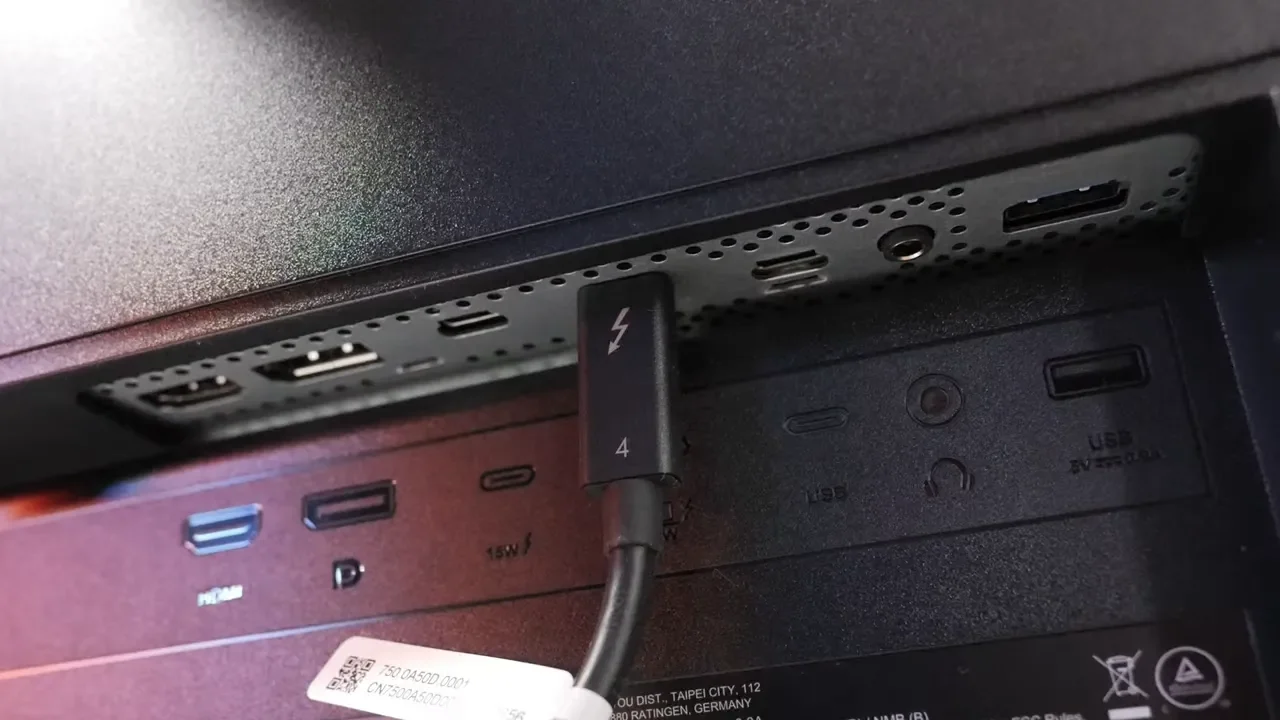
That sounds great on paper, but there was one annoyance. When daisy chaining peripherals on the ASUS, one of the rear USB-C ports did not provide enough power for a BenQ ScreenBar, so the lower port had to be used instead. I still prefer the ASUS port setup overall, but it is not perfect.
If you want to expand your desk even further with a dock, the links worth checking out are the CalDigit TS5 and the CalDigit TS5 Plus. Those make a lot of sense in setups where one cable simplicity really matters. For storage-heavy workflows, the OWC 80Gbps enclosure paired with a fast drive like the WD Black SN850X is also a solid addition to a high-end desk setup.
Power Brick Vs. Internal Power Supply
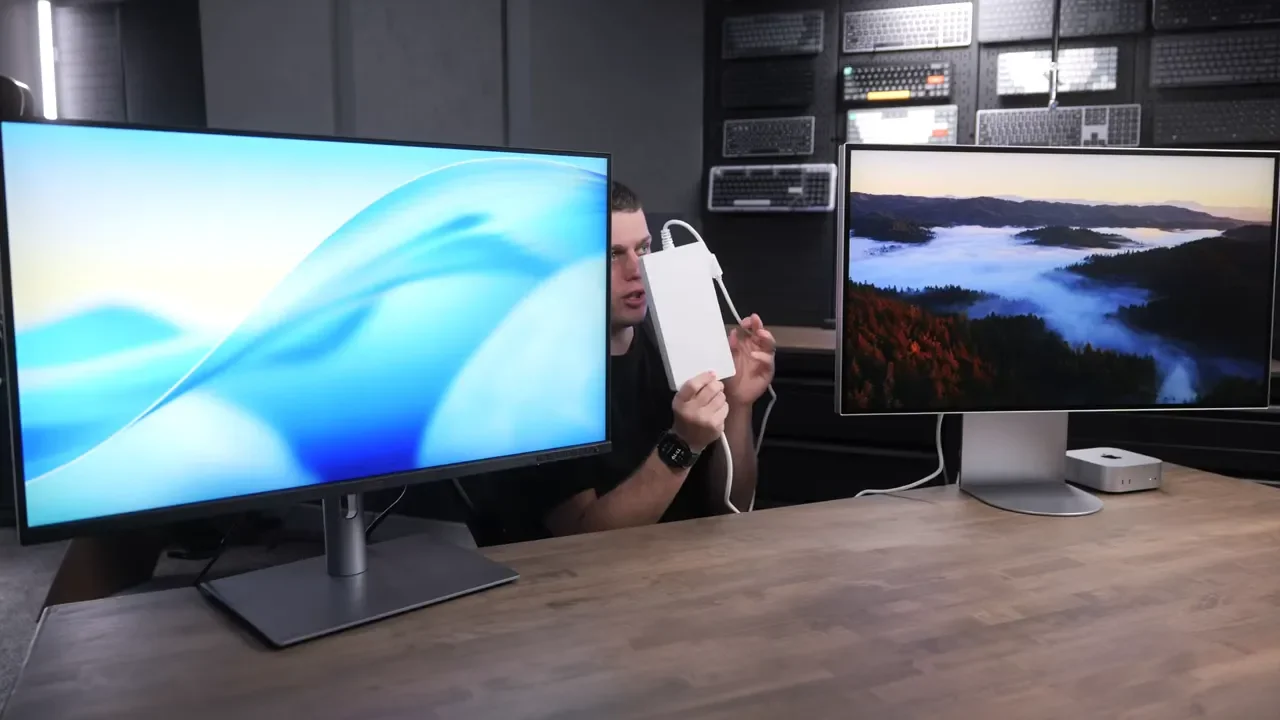
This is one of those small details that matters more than it sounds like it should. The ASUS has its power supply built into the display. That means one clean power cable goes straight into the monitor. The LG uses a big external power brick. So with the LG, you are not just plugging in a cable. You are also figuring out where to hide that chunky brick somewhere behind or under your desk. It is not a dealbreaker, but it is absolutely less elegant. For a monitor that already charges your laptop and is meant to clean up a workspace, the integrated ASUS approach is just better.
Price And Value: This Is Where The Gap Gets Hard To Ignore
This comparison gets a lot simpler when you factor in price.
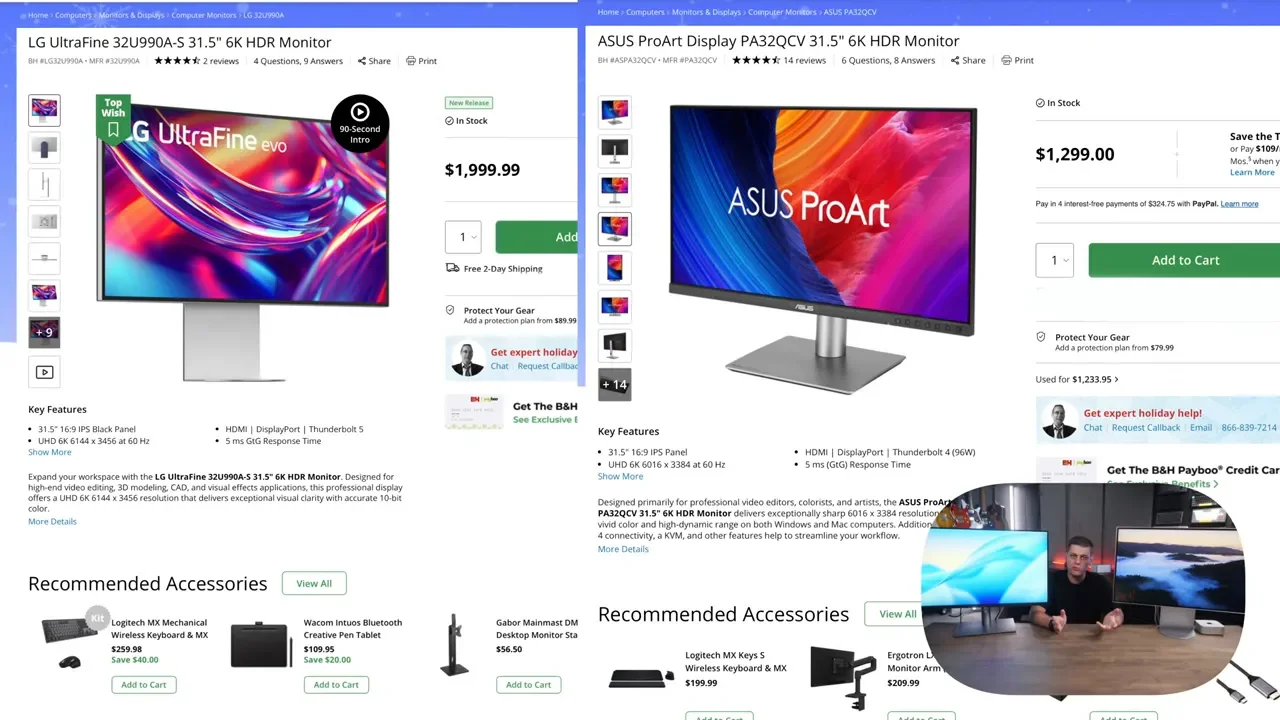
ASUS ProArt PA32QCV: about $1,300
LG UltraFine 6K: about $2,000
That is a roughly $700 difference. And the LG simply does not do enough to justify it. Yes, the LG looks nicer. Yes, the speakers are better. Yes, Thunderbolt 5 is technically more advanced. But the ASUS gives you:
Excellent sharpness
Better out-of-the-box color
A more useful stand
Better overall practical connectivity
An internal power supply
A much lower price
That is why the ASUS ends up being the easy recommendation.
What About Apple Displays?
If you are comparing these against Apple, then products like the Apple Pro Display XDR and the Apple Studio Display still have a clear advantage in materials, finish, and built-in speaker quality. That becomes obvious once you interact with these 6K options in person. Apple charges what it charges because those displays really are built from more premium materials. Aluminum and glass still feel very different from matte-coated plastic.
But if you are shopping in the price range of these two monitors specifically, the question is not whether they beat Apple at being Apple-like. The question is which one gives you the better actual monitor for the money. That answer is ASUS.
Who Should Buy The LG?
There is still a buyer for the LG, but it is a narrow case. The LG makes sense if:
You care a lot about a cleaner Apple-style look
You value better built-in speakers
You do not mind paying a sizable premium for aesthetics
If that is you, fine. The LG is not bad. It is just hard to call it the smart buy.
Who Should Buy The ASUS ProArt?
The ASUS is the better option for most people, especially if your priorities are practical rather than cosmetic. It makes the most sense if you want:
Strong out-of-the-box color
A sharp 32 inch 6K panel for Mac or laptop use
A better stand
More useful connectivity
No giant external power brick
Better value overall
If I were spending my own money on one of these, I would buy the ASUS and keep the extra cash.
Final Verdict
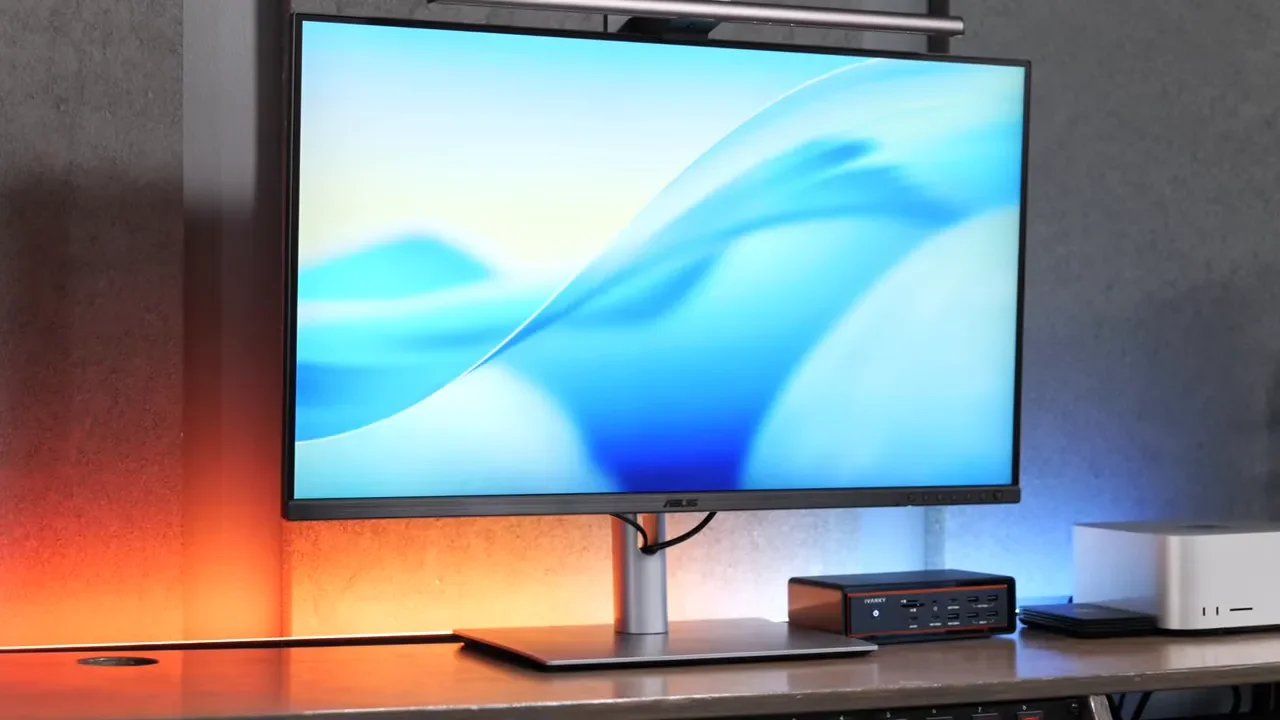
Both of these monitors deliver the big thing they are supposed to deliver: a super sharp 32 inch 6K experience. But once you get past that shared headline feature, the ASUS ProArt PA32QCV is just the more compelling display. It looked better out of the box, the stand worked better, the power setup was cleaner, and it costs substantially less.
The LG UltraFine 6K is the prettier monitor. That is really its strongest argument. If that appearance matters enough to justify the extra money, go for it. Otherwise, save the cash and get the ASUS.
