MacBook Neo Review: 3 Months Later, Who It's Actually For
Some of the links in this post are affiliate links, which means I may earn a small commission if you choose to make a purchase at no extra cost to you. As an Amazon Associate, I earn from qualifying purchases. Read my full Ethics & Affiliate Relationship Disclaimer.
The MacBook Neo makes a killer first impression. Premium build, fun colors, full macOS, and no weird app limitations. On day one, it feels like Apple dropped a budget laptop from the future. Then real life sets in.
After using it for three months, I came away with two very different opinions at the same time. There is a lot to like here, and for the right person it is genuinely exciting. But there are also a few choices Apple made that can turn this from a smart buy into the wrong buy really fast. If you are considering one, the big question is not whether the MacBook Neo is good. It is who it is actually good for.
Table of Contents
What The MacBook Neo Gets Right
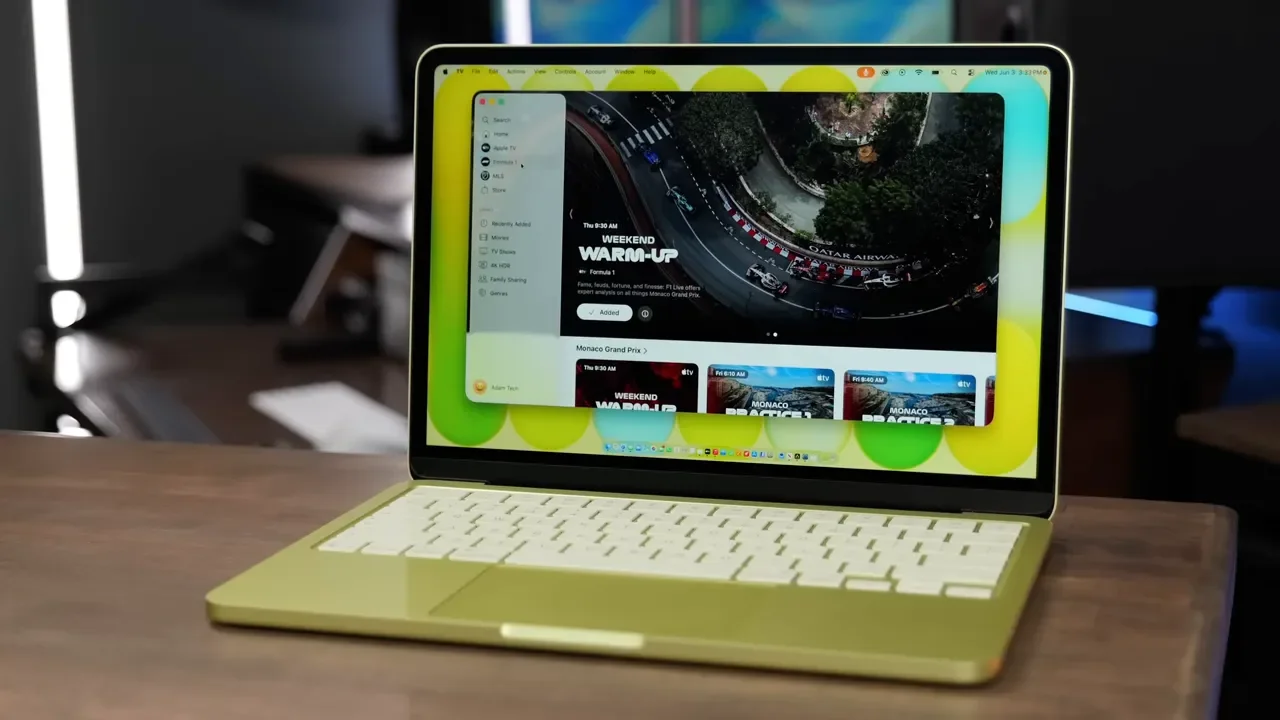
The best thing about the MacBook Neo is simple: it runs Mac apps. Real Mac apps. Not watered-down tablet versions. Not mobile workarounds. Just macOS. That matters more than it might sound on paper. I threw a pretty wide range of everyday apps at it, and it handled them without drama. Final Cut Pro opened up. Notes, Safari, Lightroom, word processing, music playback, web browsing, and general day-to-day tasks all worked fine. Even some light video editing was possible.
If you have ever bumped into the limits of an iPad, this is where the Neo starts to make sense. There are desktop utilities and specialty apps that simply do not exist on iPadOS. In my case, that included music gear software like the Quad Cortex editor. That kind of thing alone can make a cheap Mac more useful than a more powerful tablet. And that is the core appeal here. The Neo is not trying to be a MacBook Pro. It is trying to be an affordable way into the Mac ecosystem without giving up desktop software.
The Honeymoon Phase Ends At 8GB Of RAM
This is the part that really changed my opinion over time. Technically, the MacBook Neo can run a lot. The issue is how it runs those apps once real multitasking enters the picture. The machine is stuck with 8GB of RAM, and that ends up shaping almost the entire experience. I monitored memory usage during normal use, and it spent a lot of time running very high, often around 90 percent. Even with very little open, usage stayed surprisingly elevated.
When that happens, macOS starts leaning on swap memory. That means it moves data out of RAM and over to the SSD to keep things going. SSDs are quick, but they are still slower than actual memory. The result is not usually catastrophic. Apps did not constantly crash. I was not staring at the spinning beach ball all day.
What I noticed instead was a steady loss of snappiness. Switching between apps felt slower. Jumping across tabs felt less responsive. Going back to a better-equipped MacBook Air made that difference pretty obvious. The Neo works, but it always feels like it is operating with less breathing room than it needs. This is why the 8GB debate gets so heated. If all you do is a few simple tasks at a time, you may feel totally fine with it. If you expect smoother multitasking or want your laptop to feel quick under pressure, that memory ceiling is hard to ignore.
It Can Edit Video, But Exporting Is Another Story
One thing worth separating is using an app versus finishing demanding work inside it. Light video editing was possible on the MacBook Neo. So if you are trimming clips, making small adjustments, or doing basic work in Final Cut Pro, it can get through that.
Exports are where it fell apart for me. Short videos around eight minutes were taking more than 30 minutes to export. At that point, it stops being practical if video work is something you do regularly. I never found the machine getting especially hot, so I did not come away thinking heat was the main issue. To me, it felt more like the combination of the chip and the limited RAM just could not keep up with heavier output tasks. So yes, the Neo can do creative work. No, I would not buy it as a serious video production machine.
Storage Is A Bigger Problem Than It Looks
If there is one version I would tell most people to skip, it is the 256GB model. That might sound dramatic, but I really do not think it makes much sense for most buyers. The issue is not just app installs. Once you start living inside Apple’s ecosystem, local storage disappears fast. Messages sync. Photos come down from the cloud. Files accumulate. Add a normal set of applications on top of that, and 256GB starts feeling cramped way sooner than you expect.
I found even 512GB easier to fill than I would like. That makes the base model feel more like a spec sheet price point than a version I would confidently recommend. If you want to check pricing, the 256GB MacBook Neo exists, but I would strongly lean toward the 512GB MacBook Neo instead.
Design, Colors, And Build Quality Are Legitimately Great
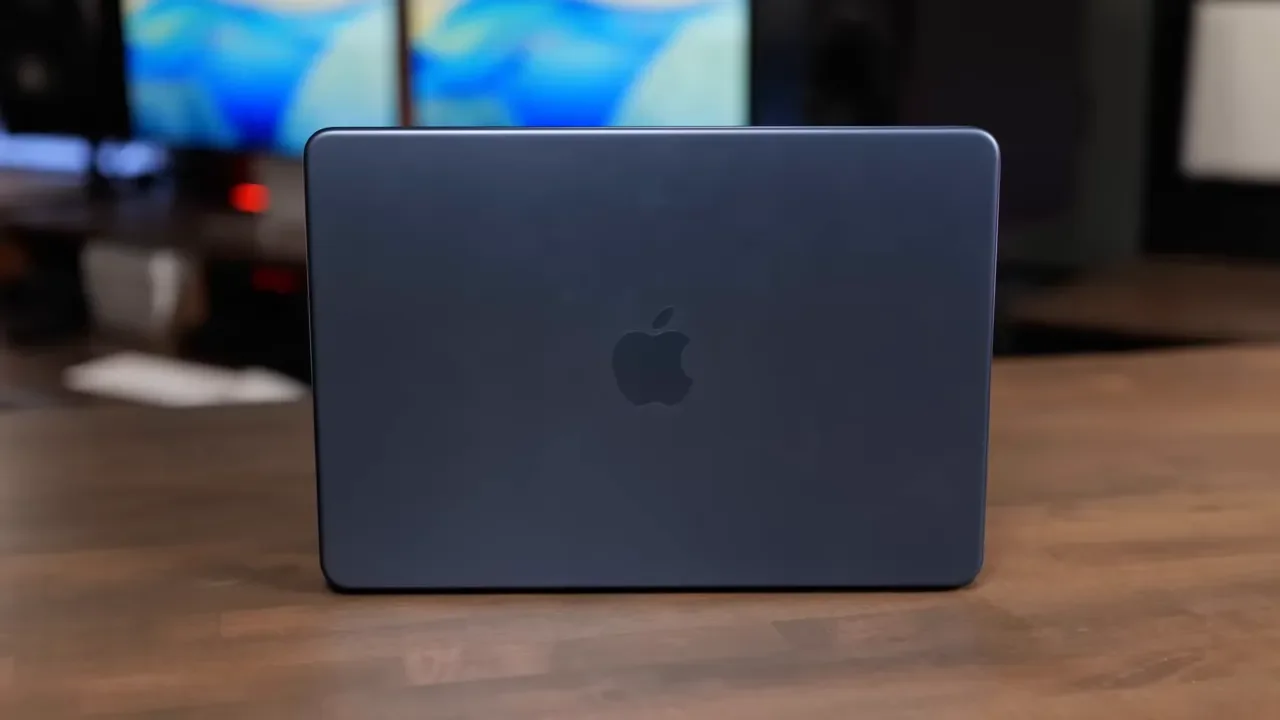
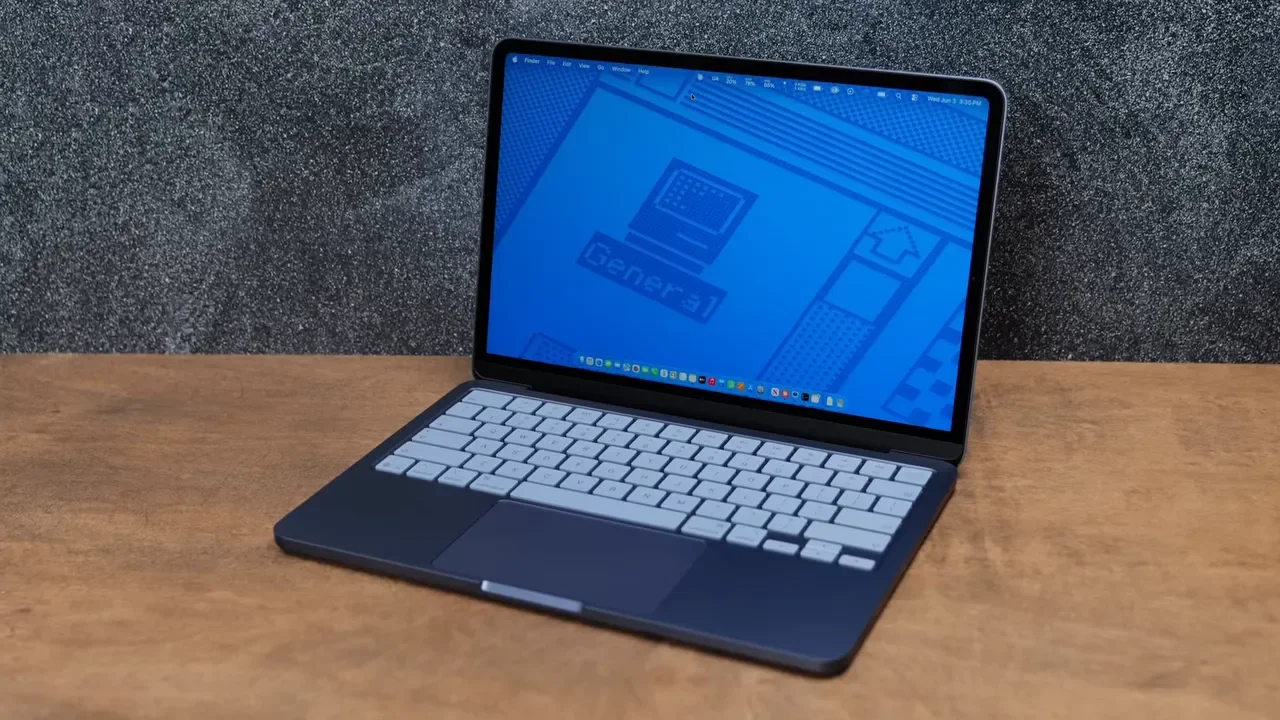
Here is the part that almost fooled me into overlooking the compromises. The MacBook Neo feels premium. The build quality is excellent, and visually it punches way above what you would expect at this price. Apple clearly put effort into making this thing desirable.
The colors help with that. Indigo looks especially good. Citrus is definitely more playful, and while I thought it was cool at first, I eventually realized it was not really my thing. If I bought it again, I would probably go silver or indigo. But regardless of color preference, the design itself is one of the strongest reasons this laptop is appealing. It does not feel like a cheap compromise in the hand.
The Keyboard And Trackpad Are Mostly Fine
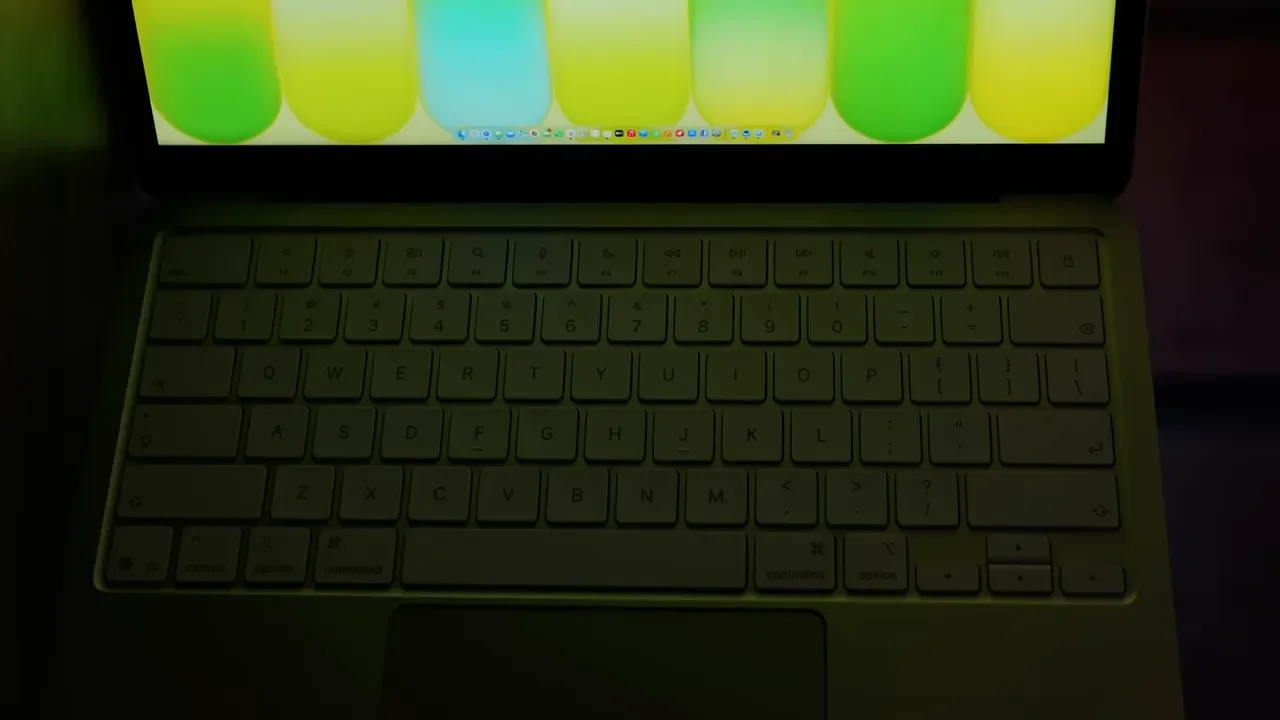
A lot of people expected the keyboard and trackpad to be major weak points. For me, they were not deal breakers. The keyboard feels very close to Apple’s familiar Magic Keyboard style, and the layout matches what most Mac users will already know. Typing on it was easy to adjust to.
The trackpad is a little more complicated. It uses a mechanical click instead of the haptic style you get on the MacBook Air. That means it physically moves, which feels a little strange if you are used to Apple’s higher-end laptops. I got used to it over time, but every time I went back to a MacBook Air, I definitely missed that haptic trackpad. The Neo’s version is usable. It is just not as refined.

No Keyboard Backlight Was Not My Biggest Complaint
The lack of keyboard backlighting bothered some people right away. Personally, it was not the issue I expected it to be. Because the keys are light in color, I did not struggle with it nearly as much as I thought I would. Is it a cut corner? Absolutely. Would I rather have it there? Of course. But when I look at the features Apple removed, this one lands lower on my list of actual frustrations.
No Touch ID Is A Much Bigger Deal Than It Sounds
This is one of those omissions that seems minor until you use the laptop every day. On the base setup, you are dealing with a standard lock button instead of Touch ID. For me, that is a real downgrade. I use Touch ID constantly on other Macs for logging in, approving purchases, and accessing saved passwords. It speeds up everything. Without it, you are back to typing passwords far more often, and it makes the whole machine feel less convenient than a modern Mac should. Yes, Apple Watch unlocking can help in some situations, but it is not the same as having a fingerprint sensor right there when you need it. If Apple had made one clean configuration with 512GB and Touch ID, I think this product would be easier to recommend.
Ports Are Another Place Apple Cut Corners
The port setup is functional, but it is one of the clearest reminders that this is a budget machine. You get one fast USB 3.1 Gen 2 port and one slower USB 2.0 port. The annoying part is that they are not labeled. So if you plug in a fast external SSD or try to use an external display from the wrong port, things may not work the way you expect. Only the top port supports the faster speeds and external display output.
That was not a massive problem for me once I knew it, but it is still the kind of limitation that feels unnecessary. I also missed MagSafe. If you have used a MacBook Air recently, going back to standard USB-C charging feels like a small but noticeable step down.
The Display Is Fine, Even If It Is Not Air-Level Good
The display is another area where the MacBook Air is better on paper and in person. The Neo lacks some of the nicer extras, including things like True Tone and the wider P3 color support. That said, I never found the screen bad for regular use. For web browsing, typing, media consumption, email, and general work, it was perfectly serviceable. If you put it side by side with a MacBook Air, the difference is there. If you just use the Neo on its own, it does not feel like a deal breaker.
What I Would Actually Buy
If I were buying a MacBook Neo today, my answer is simple.
Skip the 256GB model.
Get 512GB if you are getting one at all.
Touch ID matters more than Apple seems to think it does.
The product itself is not bad. In fact, I am glad it exists. The problem is that a couple of configuration choices make the cheaper version much harder to recommend.
Who The MacBook Neo Is Actually For
This is where the MacBook Neo finally makes sense. If you need a computer for a handful of tasks and want macOS instead of iPadOS, this is a compelling option. It is great for web browsing, email, online shopping, printing, writing, and running the occasional desktop app that your phone or tablet cannot handle. It also makes a lot of sense for someone who wants to get into the Apple ecosystem at a lower price point. In the roughly $500 to $700 range, there is something genuinely exciting about having a real Mac option.
I think this is especially good for:
Students on a budget
Someone buying their first Mac
People who dislike the limitations of iPadOS
Anyone who needs desktop apps occasionally, but not all day every day
If that sounds like you, the Neo can be an awesome first computer.
Who Should Buy A MacBook Air Instead
If this is going to be your only computer and you plan to use it heavily every day, I would push you toward the Air. The Air is the better choice for serious multitasking, more demanding productivity work, better overall responsiveness, a nicer trackpad, MagSafe, a better display, and a generally more polished experience. The MacBook Neo is not a powerhouse, and it is not pretending to be one. The mistake would be expecting it to behave like a machine above its class. If you want help deciding between Apple laptops, I also put together a Mac buying guide that can help narrow it down.
Final Verdict
The MacBook Neo impressed me right away because it feels more premium and more capable than a budget Mac has any right to feel. That first impression is real. But after three months, the limitations are just as real. The 8GB RAM ceiling holds it back, the 256GB model is too cramped for most people, and losing Touch ID hurts the everyday experience more than it should.
Still, I do not come away disappointed that it exists. I come away thinking Apple got close. For the right buyer, the MacBook Neo is a smart, affordable way to get a real Mac with access to full desktop software. For the wrong buyer, it will quickly feel like the laptop you should have spent a little more to outgrow.
Additional Resources
If you are picking one up, the tomtoc Defender A13 sleeve is a solid travel case for keeping it protected.
