iPad Air M4 Vs iPad Pro M5: Which iPad Is Actually Worth Buying?
Some of the links in this post are affiliate links, which means I may earn a small commission if you choose to make a purchase at no extra cost to you. As an Amazon Associate, I earn from qualifying purchases. Read my full Ethics & Affiliate Relationship Disclaimer.
The iPad Air M4 and the iPad Pro M5 are both excellent tablets. That is what makes this comparison tricky.
Now that the Air has an M-series chip and enough memory to feel genuinely fast for serious work, the question is no longer whether the Air is good. It absolutely is. The real question is whether the iPad Pro offers enough extra “pro” features to justify spending $400 more, and in some configurations, quite a bit more than that.
If you are trying to choose between them, the decision mostly comes down to a few key things: display quality, refresh rate, speakers, connectivity, and whether you will actually use the Pro-only hardware.
The Biggest Difference Is The Display
If there is one feature that most clearly separates these two iPads, it is the screen. The iPad Air uses a fully laminated LED-backlit LCD. It is a good display. It looks sharp, it feels premium, and for a lot of people it will already be more than enough.
The iPad Pro M5, though, steps into a different class entirely with its tandem OLED display. That means two OLED layers are stacked together to deliver much higher brightness along with the classic OLED advantages people care about most: true blacks, better contrast, and richer-looking color.
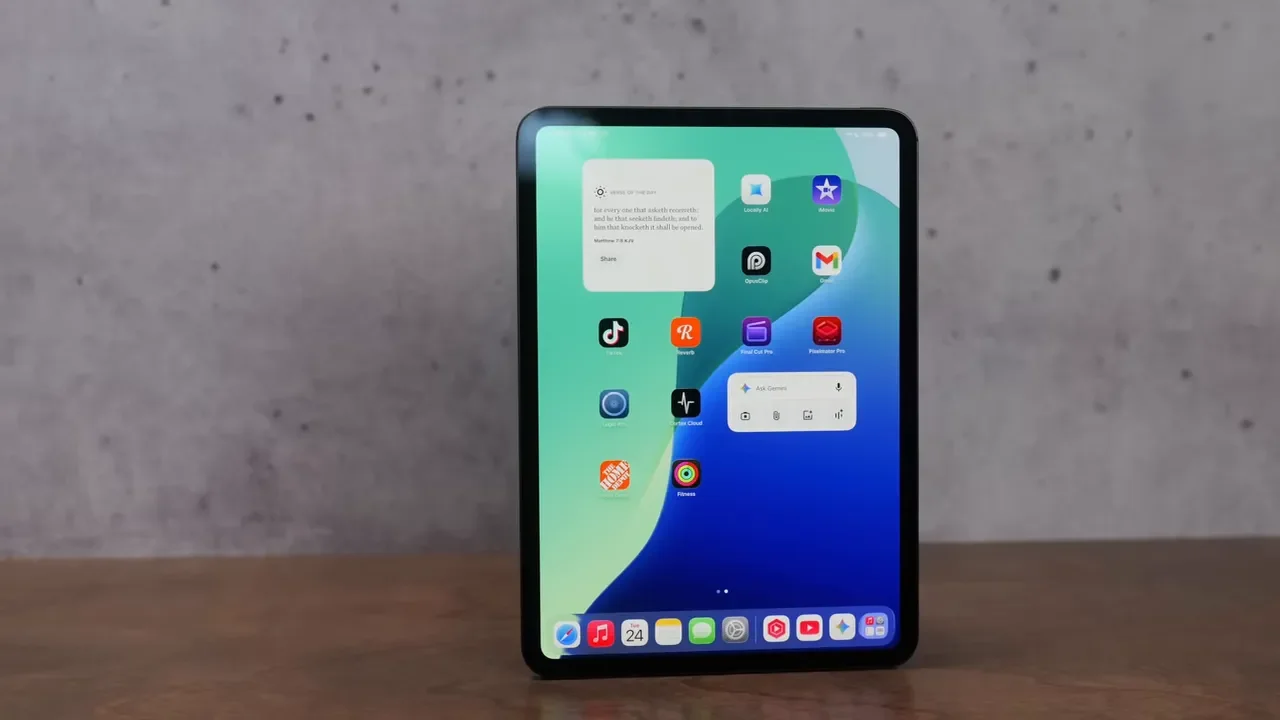
In actual use, that means the Pro simply looks better when you are consuming content, editing visual work, or even just using the device day to day. Blacks on the Air can look a little gray because of the LCD panel. On the Pro, blacks look black. Contrast is stronger. Colors have more pop. It is one of those differences that can be hard to capture in photos, but very easy to appreciate once you have used both side by side.
Brightness Matters More Than You Might Think
The Air is not dim, but the Pro is in another league.
11-inch iPad Air: up to 500 nits
13-inch iPad Air: up to 600 nits, with slightly better contrast
iPad Pro M5 (11 inch / 13 inch): 1,000 nits full-screen for standard SDR and HDR content, with up to 1,600 nits peak for HDR
That is more than double the brightness of the Air in the right conditions, and it makes a real difference outdoors. If you use your iPad in bright rooms, near windows, or outside, the Pro’s display is much easier to appreciate.
The Pro also gains a new 1-nit minimum brightness, which is great if you like reading in the dark or using the iPad in a pitch-black room without getting blasted by light.
ProMotion Is Another Big Deal
The iPad Air sticks with a 60Hz refresh rate. That is fine. It gets the job done. Scrolling looks normal, and if you have never used a higher refresh rate iPad, you may not feel like you are missing anything. But the iPad Pro has ProMotion, which can dynamically range from 10Hz up to 120Hz. The result is smoother scrolling, more responsive gaming, and lower latency with Apple Pencil input.
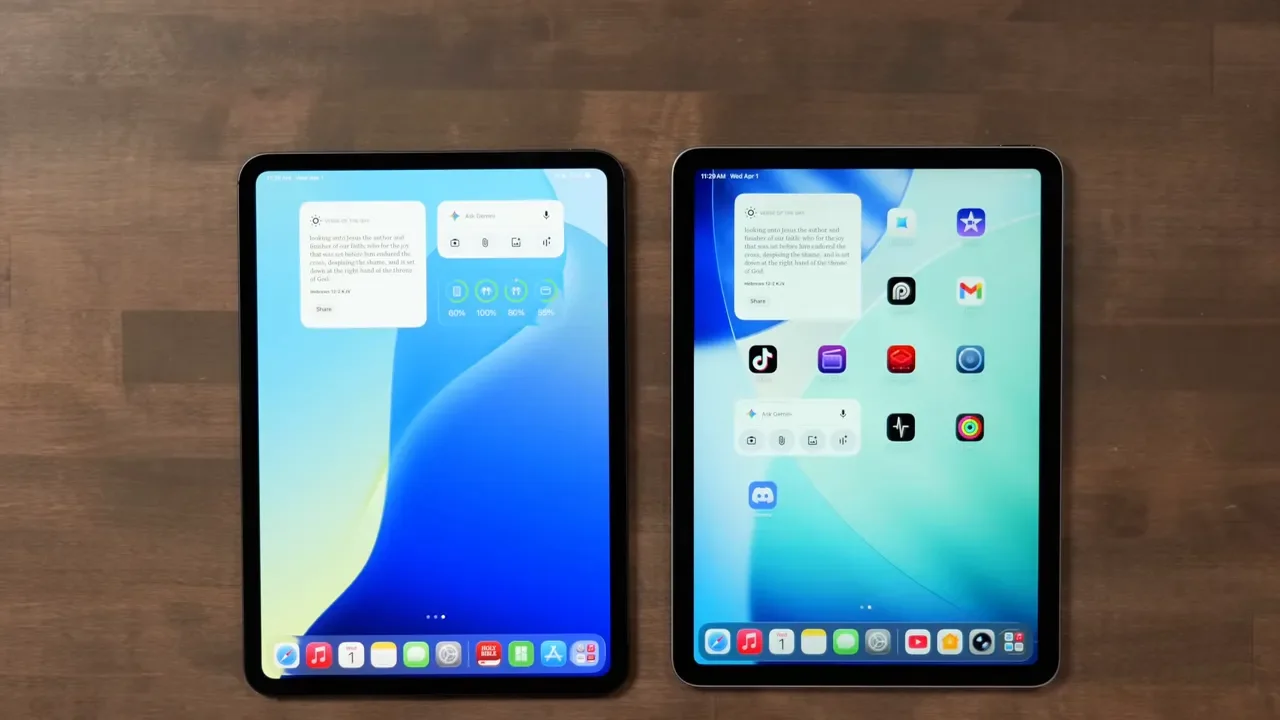
If you draw, annotate, or just care about your device feeling especially fluid, 120Hz is one of those features that is hard to unsee once you get used to it. You can also configure the iPad Pro with nano-texture glass if you want better glare reduction. That can be useful in bright environments, but there is a tradeoff. You do lose a bit of contrast and sharpness compared with the standard glass.
M4 Vs M5: How Much More Power Do You Really Get?
The iPad Air M4 is already very fast. It uses an 8-core CPU and 9-core GPU, and for normal iPad work it handles everything easily. Multitasking, media, note-taking, productivity apps, and even demanding workflows all run well. For most people, the Air is not going to feel underpowered at all.
The iPad Pro M5 does move things forward, though. Its newer chip is built on next-generation processes, and one of the biggest additions is the inclusion of neural accelerators on each GPU core.
That matters if you care about local AI tasks, such as:
On-device image generation
Local LLM-based workflows
Future AI features that take advantage of these accelerators
In those kinds of tasks, the Pro can be up to twice as fast. The caveat is that software support is still catching up, so not every app is taking advantage of that hardware yet. Still, it is one of the clearest future-facing reasons to choose the Pro.
RAM And Memory Bandwidth
Both models start with 12GB of RAM, which is great. That gives each one a snappy feel and helps a lot with multitasking. The Pro pulls ahead if you buy the 1TB or 2TB versions, because those configurations come with 16GB of RAM. If you are doing heavier work or you just want the most headroom possible, that upgrade matters.
There is also a difference in memory bandwidth:
iPad Air M4: 120GB/s
iPad Pro M5: 153GB/s
Both iPads can resize apps, switch between tasks, and handle multitasking well. The Pro is just a bit better at hanging on to heavy apps without refreshing, especially if you are bouncing between large files or multiple 4K video streams.
Ports, External Displays, And Workflow Flexibility
Both iPads use USB-C, but they are not equal.
iPad Air M4: USB 3.1 Gen 2, up to 10Gbps
iPad Pro M5: Thunderbolt 4, up to 40Gbps
If you use external drives, external displays, or more advanced desk setups, the Pro is meaningfully more capable. It supports faster data transfers and can drive an external display at 120Hz, which the Air cannot do. For basic accessories, backups, and casual use, the Air’s port is fine. For serious external workflows, the Pro is the one to get.
Cameras, LiDAR, And Pro Video Features
Both iPads include front and rear cameras, and both have 12-megapixel wide rear cameras. Neither one includes an ultra-wide rear camera anymore. They also both have the landscape front-facing camera with Center Stage, which is a much better placement for video calls than the old side-mounted setup.
The Pro adds a few things that matter for specialized users:
LiDAR scanner for 3D mapping and spatial scanning
True Tone flash support that helps reduce shadows when scanning documents
ProRes video recording up to 4K at 60fps
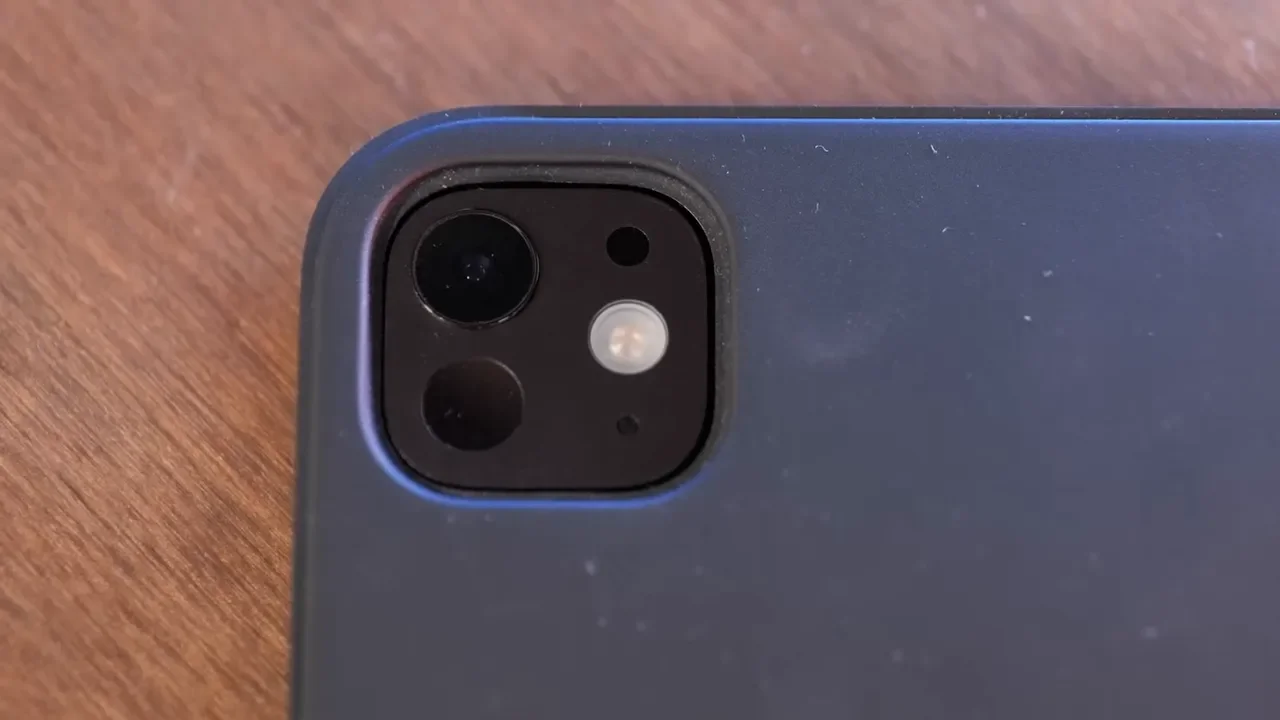
If you are an architect, someone working with 3D capture, or a person who really benefits from LiDAR-based workflows, the Pro earns its name here. For everyone else, the Air’s camera setup will likely be enough.
Face ID Vs Touch ID
This one sounds minor until you live with it. The iPad Air uses a Touch ID power button for unlocking. It works, but it is not especially elegant, and it can feel a little annoying compared with what you get on the Pro.
The iPad Pro has Face ID, so you just look at it and unlock. That is especially nice when using a keyboard, because you do not need to lift your hand up to hit a button every time. If convenience matters to you, this is a small but very real quality-of-life win for the Pro.
The Pro Sounds Way Better
Audio is another area where the iPad Pro clearly separates itself.
iPad Air: two speakers
iPad Pro: four speakers
The difference is not subtle. The Pro is louder, fuller, and has much deeper bass. If you use the iPad for movies, music, gaming, or anything where built-in sound matters, the Pro is significantly better.
On microphones, the Pro also has studio-quality mics. The Air still sounds fine for voice recording and video calls, so it is not bad by any means. The Pro just gives you better audio capture overall. If I had to pick the two biggest reasons to move up to the Pro, they would be the screen and the speakers.
Size, Thickness, And Storage Options
Both the iPad Air M4 and iPad Pro M5 come in 11-inch and 13-inch sizes. The 11-inch model still feels like the sweet spot for most people. It keeps the iPad portable and comfortable in hand, which is a huge part of the appeal of an iPad in the first place.
Interestingly, the Pro is actually thinner than the Air.
13-inch iPad Pro: 5.1mm thick
13-inch iPad Air: 6.1mm thick
Storage options are also different:
iPad Air: starts at 128GB, up to 1TB
iPad Pro: starts at 256GB, up to 2TB
And again, if you choose the 1TB or 2TB Pro, you also get bumped to 16GB of RAM.
Price Breakdown
This is where the Air makes its strongest case.
11-inch iPad Air M4: $600
11-inch iPad Pro M5: $1,000
13-inch iPad Air M4: $800
13-inch iPad Pro M5: $1,300
That is a serious jump. The Pro is not just a little more expensive. Once you add storage or accessories, it becomes a very expensive iPad very quickly. So the decision really has to come down to whether you will genuinely benefit from the better display, better audio, Thunderbolt, Face ID, LiDAR, ProRes, and ProMotion.
Magic Keyboard Differences Matter More Than Expected
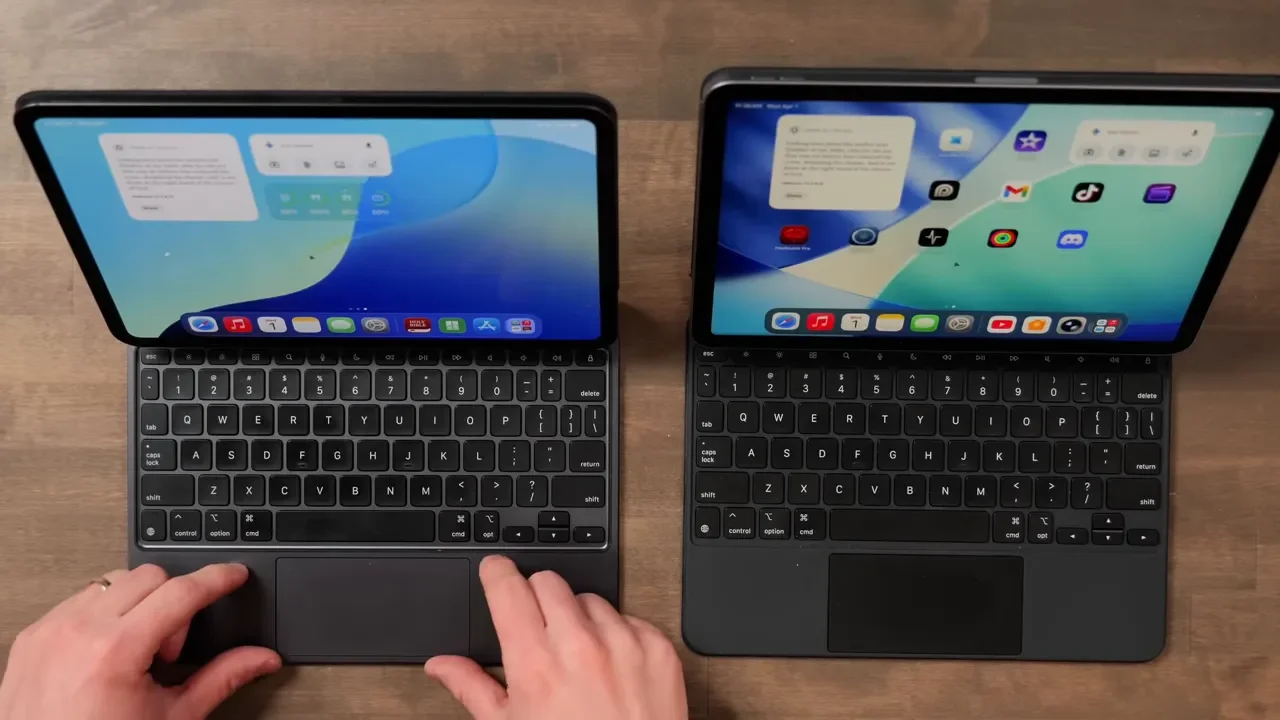
Both iPads support Magic Keyboard cases, but you need to buy the correct one for each model because they are different. Both offer a good typing experience and a useful trackpad, but the Pro’s keyboard case is nicer.
What The Pro Keyboard Does Better
It has a larger trackpad
It uses a more premium aluminum top
It feels sturdier
It includes backlit keys
It has a haptic trackpad with quieter clicks
The Air’s keyboard still works well, but it is simpler. Its trackpad is mechanical, which makes it a little louder when clicked, and it does not include backlighting.
Neither keyboard case is amazing as a protective case, because both leave parts of the iPad exposed and both have the camera cutout on the back. They are productivity accessories first, not heavy-duty protective cases.
11-Inch Vs 13-Inch For Typing
If typing is a big part of how you use your iPad, the 13-inch model is the one to consider. That is because the 13-inch keyboard gives you full-size keys, matching the size of the keys on a MacBook Air. If you type a lot and hate feeling cramped, that upgrade alone can be worth it. Both keyboard options are available in black or white, and the Pro’s keyboard case costs more than the Air’s.
Who Should Buy The iPad Air M4?
The iPad Air M4 is the one to buy if you want a modern M-series iPad without spending Pro money. It is especially compelling if you want something clearly better than the base iPad but do not need Apple’s absolute best display and audio hardware.
The Air makes sense for people who want:
An M-series processor for longevity
12GB of RAM for smooth multitasking
A display that is still very good, even if it is not class-leading
A strong all-around iPad for work, media, and everyday use
Better value than the Pro
If you are doing more than just casual tablet tasks like reading recipes or browsing the web, the Air is a great middle ground. It feels elevated across the board and hits a really sweet spot in the lineup. Honestly, it is the value king of the current iPad range.
Who Should Buy The iPad Pro M5?
The iPad Pro M5 is for people who know exactly why they want it. You should strongly consider it if you want:
The best iPad display Apple makes
120Hz ProMotion and lower Apple Pencil latency
Top-tier built-in speakers
Thunderbolt 4 for faster accessories and better external display support
Face ID instead of Touch ID
LiDAR for 3D mapping or architecture-related work
ProRes recording
Better future potential for local AI workflows
If you are a creative professional, a colorist, someone who cannot stand going back to 60Hz, or anyone who will genuinely appreciate that OLED panel every single day, the Pro earns its premium.
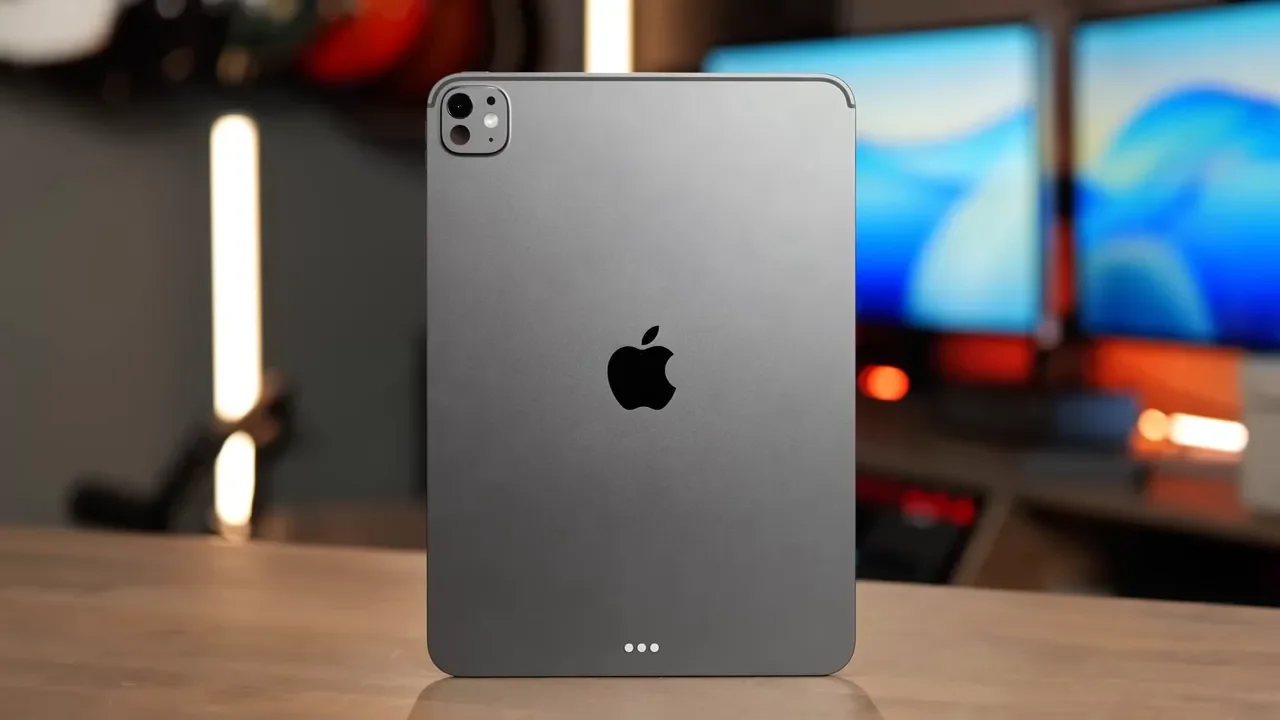
That said, it is still overkill for most people. A lot of buyers simply will not use all the power or specialized hardware it offers. The funny thing is that even then, the screen alone is so good that it still makes the Pro tempting.
Final Verdict
For most people, the iPad Air M4 (11 inch / 13 inch) is the smarter buy. It gives you M-series performance, plenty of RAM, strong multitasking, and a display that is still very good, all at a much lower price. It is the iPad to get if you want capability and longevity without paying a premium for features you may never use.
The iPad Pro M5 (11 inch / 13 inch) is the right choice if the premium features are not just nice to have, but actually important to your workflow or daily experience. If you care deeply about display quality, speaker quality, 120Hz smoothness, Thunderbolt, Face ID, or LiDAR, this is the one that delivers the best iPad experience available right now.
So the simplest way to frame it is this:
Buy the iPad Air M4(11 inch / 13 inch) if you want the best value and still want a seriously capable iPad.
Buy the iPad Pro M5 (11 inch / 13 inch) if you want the nicest screen, the best speakers, and every high-end extra Apple offers.
Both are great. The real question is whether you want a fantastic iPad, or the most luxurious iPad Apple makes.