Apple USB-C Earpods Review: The New $19 Lossless Audio Apple Headphones
Some of the links in this post are affiliate links, which means I may earn a small commission if you choose to make a purchase at no extra cost to you. As an Amazon Associate, I earn from qualifying purchases. Read my full Ethics & Affiliate Relationship Disclaimer.
Apple finally switched the iPhone to USB-C with the iPhone 15 and 15 Pro. To accompany this change, they have also released wired earpods that have a USB-C connector. These earpods feature the classic Apple design but are updated to use the USB-C connector instead of lightning.
Features and Functionality
USB-C connector: This makes the earpods compatible with a wider range of devices, including iPhones, iPads,Macs, and even some Android devices.
Lossless audio: The earpods support lossless audio through Apple Music using a built-in digital audio converter. This means that you can hear your music in the highest quality possible.
Works with any device with USB-C: This includes iPhones, iPads, Macs, and even some Android devices.
Built-in microphone: The earpods have a built-in microphone that is great for phone calls and video calls.
Thin wires: The wires are thin and tangle-resistant, making them easy to store and carry around.
Sound Quality
The sound quality of the earpods is very good. They offer a lot of clarity in both the bass and the mids and highs. However, they do not have quite as good of a crisp sound as the AirPods Pro.
Comfort and Fit
The earpods are comfortable to wear for extended periods of time. However, they do not have ear tips, which means that they may not fit everyone's ears perfectly. This can cause the sound to be a little bit different for everyone.
Workout Use
The earpods are not ideal for working out. They do not have an official IP rating, so it is not clear how sweat and water resistant they are. Additionally, they may not stay in your ears securely during exercise.
Overall Impression
The Apple USB-C Earpods are a great option for anyone who is looking for a pair of wired headphones that offer good sound quality and compatibility with a wide range of devices. They are also a good value at $19. However, they are not ideal for working out or for people who need a perfect fit.
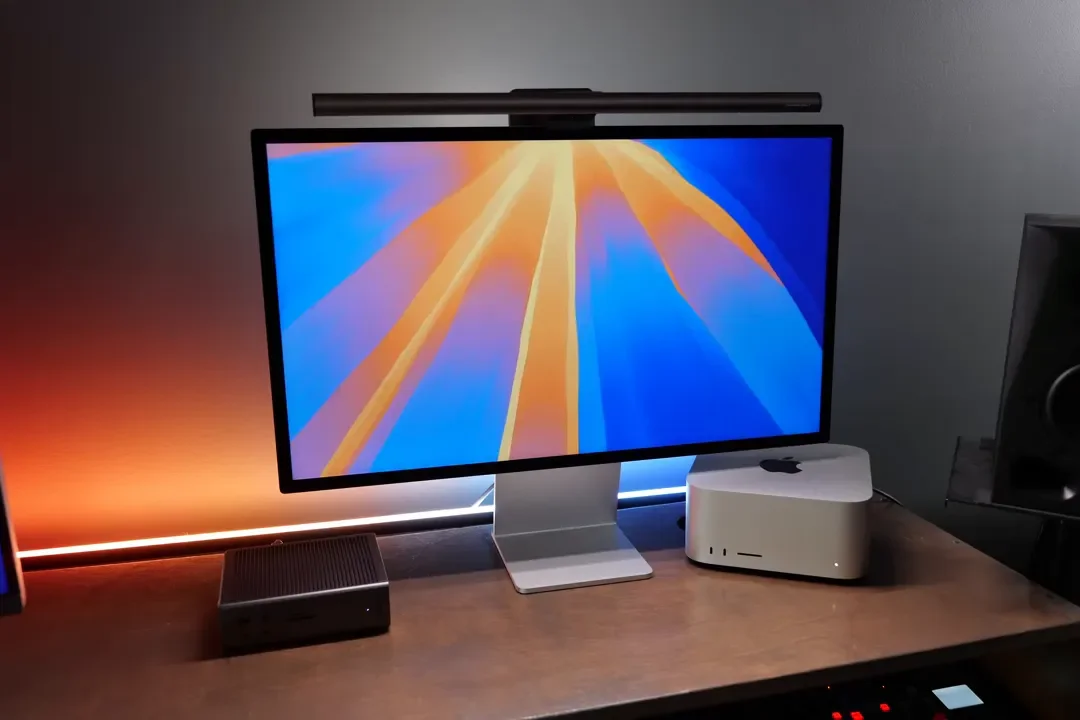
The BenQ ScreenBar Halo 2 lights your desk without glare on the screen, adds a rear halo, and includes a wireless controller. Here's how it performs after a month.
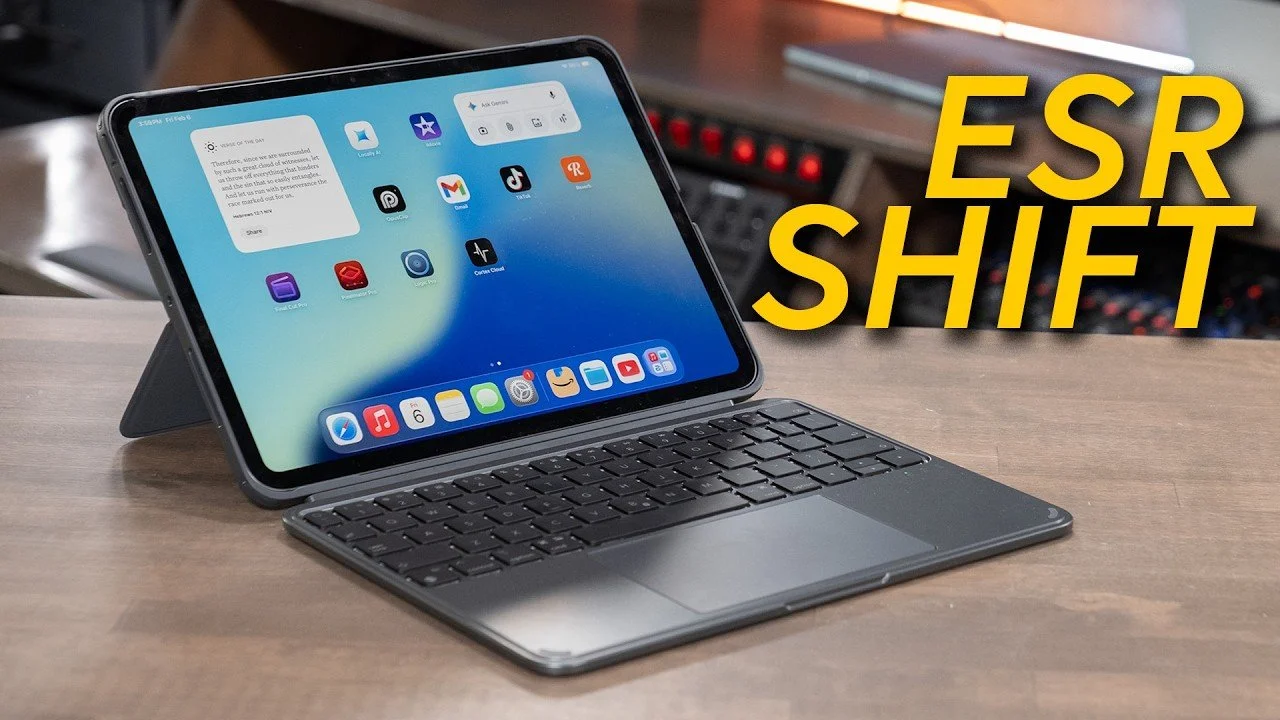
The ESR Shift adds a detachable keyboard, trackpad, backlighting, and full case protection for under $100. Here's how it types, what it gets right, and who it's for.
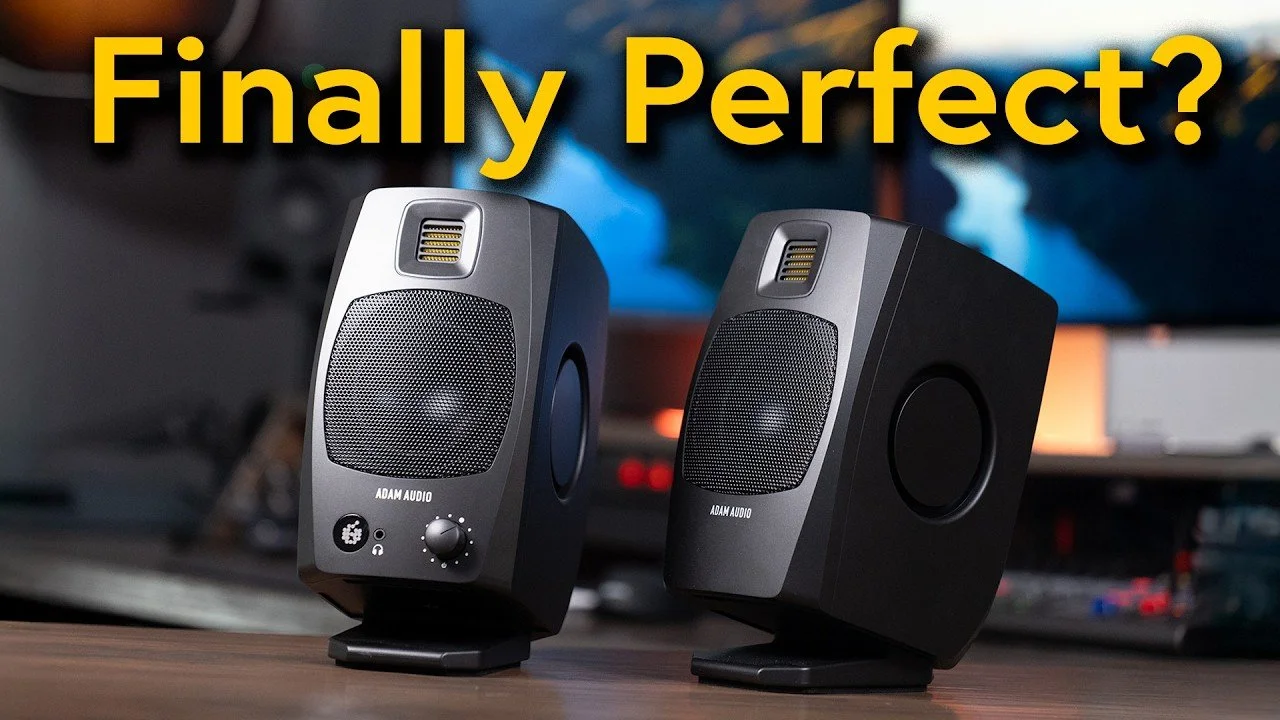
After months with the Adam Audio D3V and a firmware update that fixed its two biggest flaws, here's the long-term verdict on these compact desktop speakers.
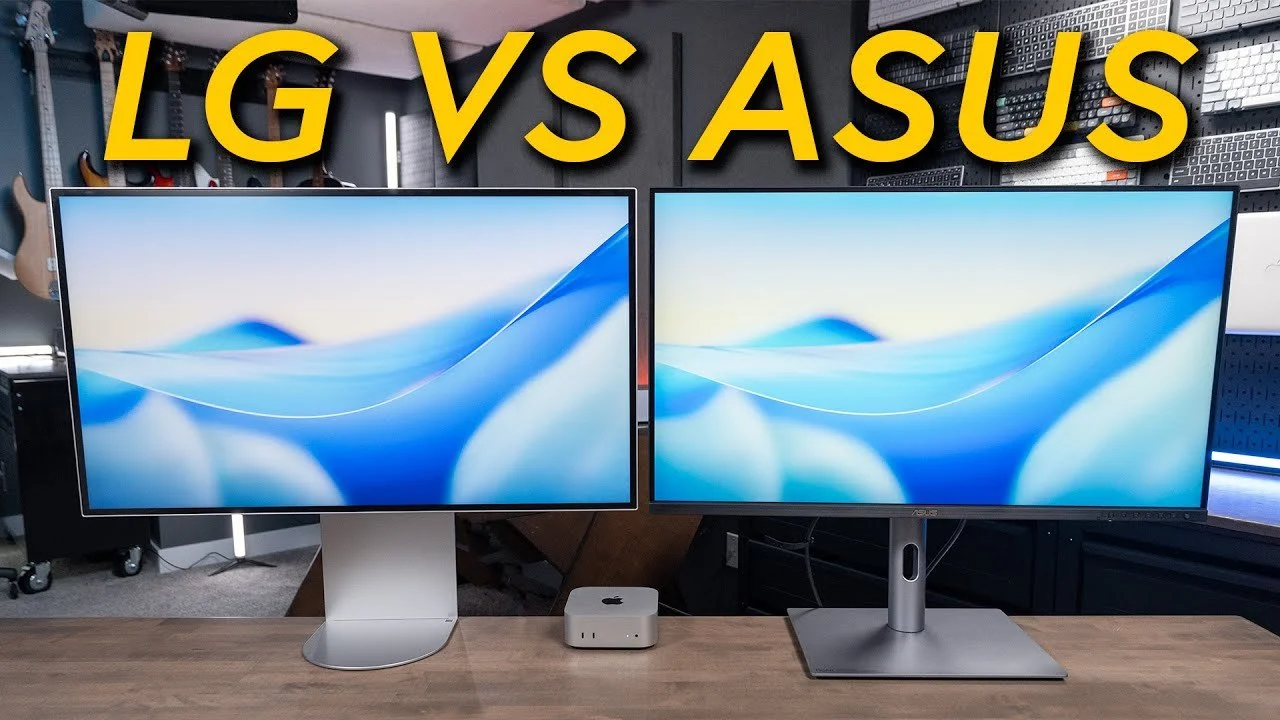
The LG UltraFine 6K and ASUS ProArt PA32QCV are both 32-inch 6K displays, but a $700 price gap separates them. Here's how they compare on color, build, stand, and value.
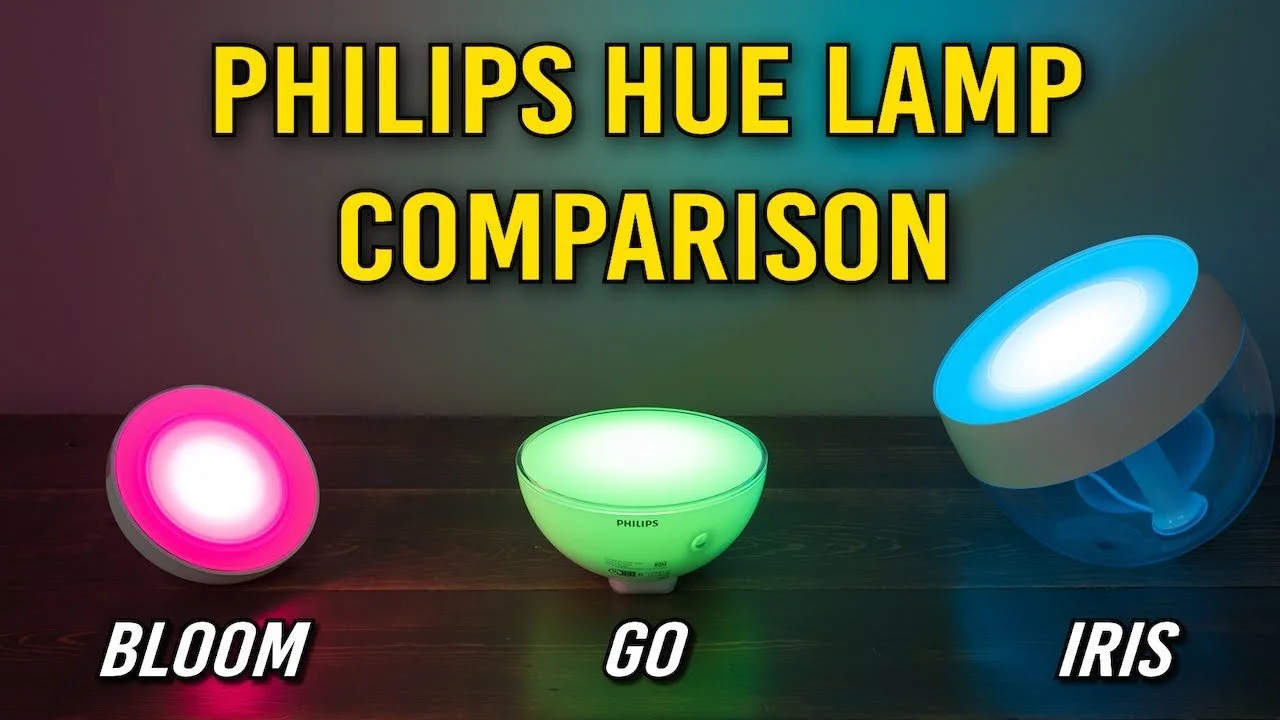
The Philips Hue Bloom, Go, and Iris look similar but differ in brightness, size, power, and design. Here's how they compare and which smart lamp is right for you.
The LG UltraFine 6K delivers a sharp 32-inch panel and Thunderbolt 5 ports, but plastic build and a high price hold it back. Here's how it compares to ASUS and Apple.
Magic Trackpad or Magic Mouse? Here's how they differ in comfort, gestures, precision, charging, and price, and which Apple pointing device is right for you.
The Anker 165W 25K power bank charges laptops, tablets, and phones with built-in retractable cables and a useful display. Here's how it performs and who it's for.
Move your apps, files, and settings to a new MacBook the fast way. Here's how to use Migration Assistant with a cable for a quicker, cleaner transfer.
The Ivanky FusionDock Ultra packs 26 ports, 10GbE, 140W charging, and four-display support via a dual-cable design. Here's who this Apple Silicon dock is actually for.
The 15-inch MacBook Air M5 now starts at 16GB RAM and 512GB storage. Here's how it performs, where it throttles, and why it can beat a MacBook Pro on value.
The ASUS ZenScreen MQ16FC nails OLED color and one-cable USB-C setup, but text sharpness is the catch. Here's who this 16-inch portable monitor is actually for.
After using both the 11-inch and 13-inch M4 iPad Air, here's how they really differ in feel, multitasking, drawing, and price, and which size is the right pick for you.
After three months with the MacBook Neo, here's the truth about its 8GB RAM, storage limits, and missing Touch ID, plus who should buy it and who needs a MacBook Air instead.
The ASUS ProArt PA32QCV delivers a 32-inch 6K display, Retina-class sharpness, Thunderbolt 4, and excellent value for Mac users.
The LG 40U990A combines a 5K2K ultrawide display, 120Hz refresh rate, and Thunderbolt 5. Here's my hands-on review for creators and professionals.